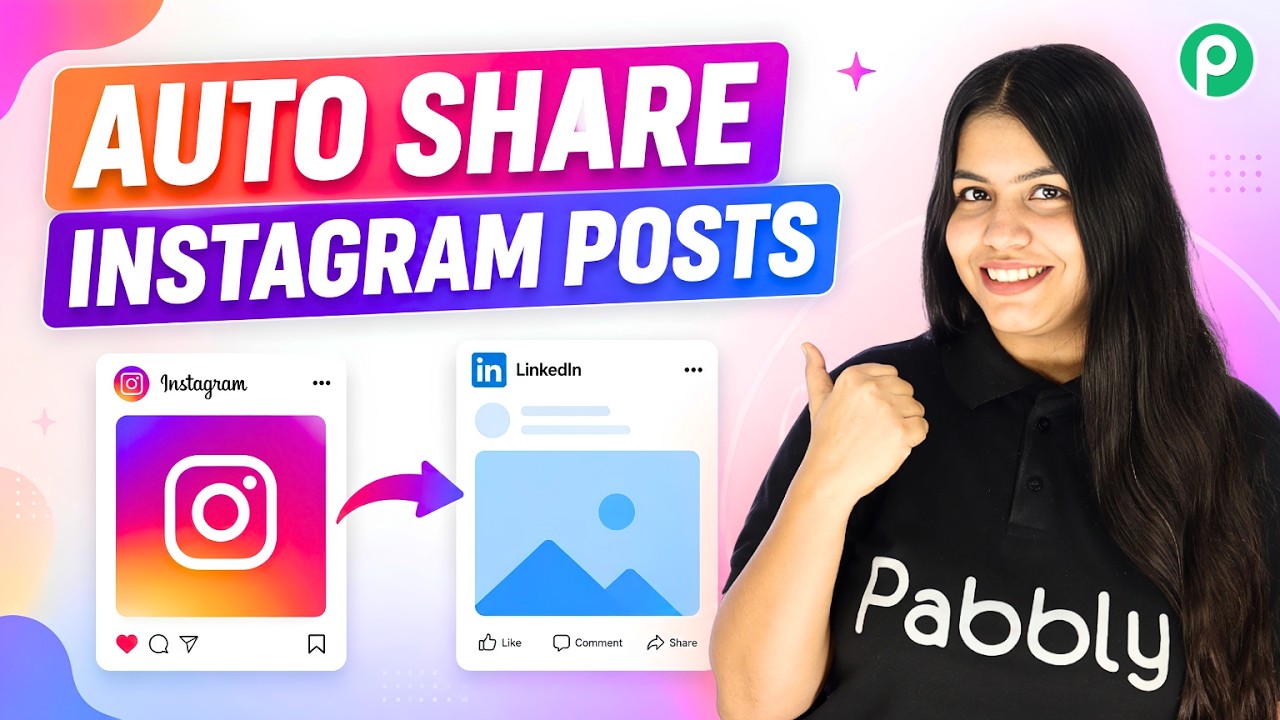
Watch Step By Step Video Tutorial Below 1. Accessing Pabbly Connect for Integration To start integrating Instagram with LinkedIn, first access Pabbly Connect by visiting pably.com/connect in your browser. This platform allows users to automate workflows seamlessly between different applications. Once on the landing page, click on the "Sign Up for Free" button located at the top right corner. You can begin with a free trial, allowing you to automate up to 100 Instagram posts to LinkedIn without any cost. 2. Creating a Workflow in Pabbly Connect After signing up, navigate to your Pabbly Connect dashboard and click on the...