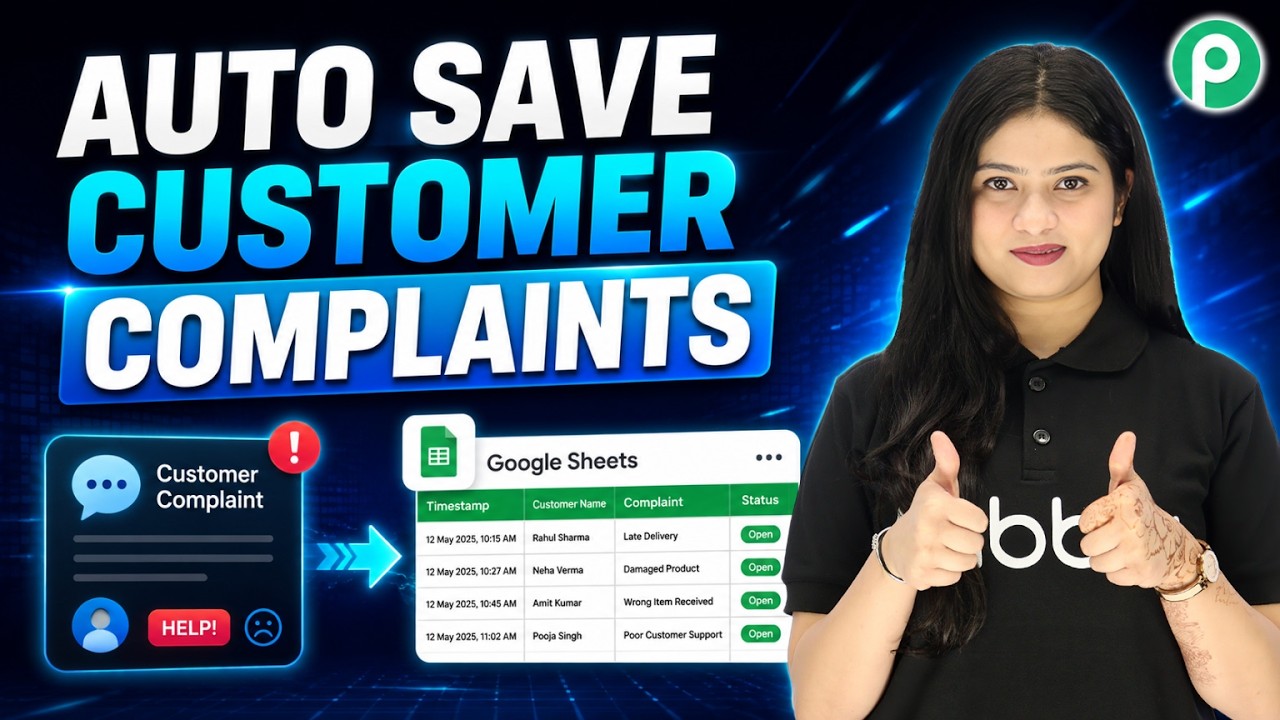
Watch Step By Step Video Tutorial Below 1. Accessing Pabbly Connect for Integration To start integrating Typeform with Google Sheets, you first need to access Pabbly Connect. Visit the Pabbly website by typing pabbly.com/connect in your browser. Once you’re on the landing page, you’ll see options to log in if you’re an existing user or create a free account. New users can sign up and enjoy 100 free tasks every month to explore the platform. This no-code automation tool allows you to connect multiple applications effortlessly. 2. Setting Up the Integration Workflow After logging into Pabbly Connect, you’ll be directed...