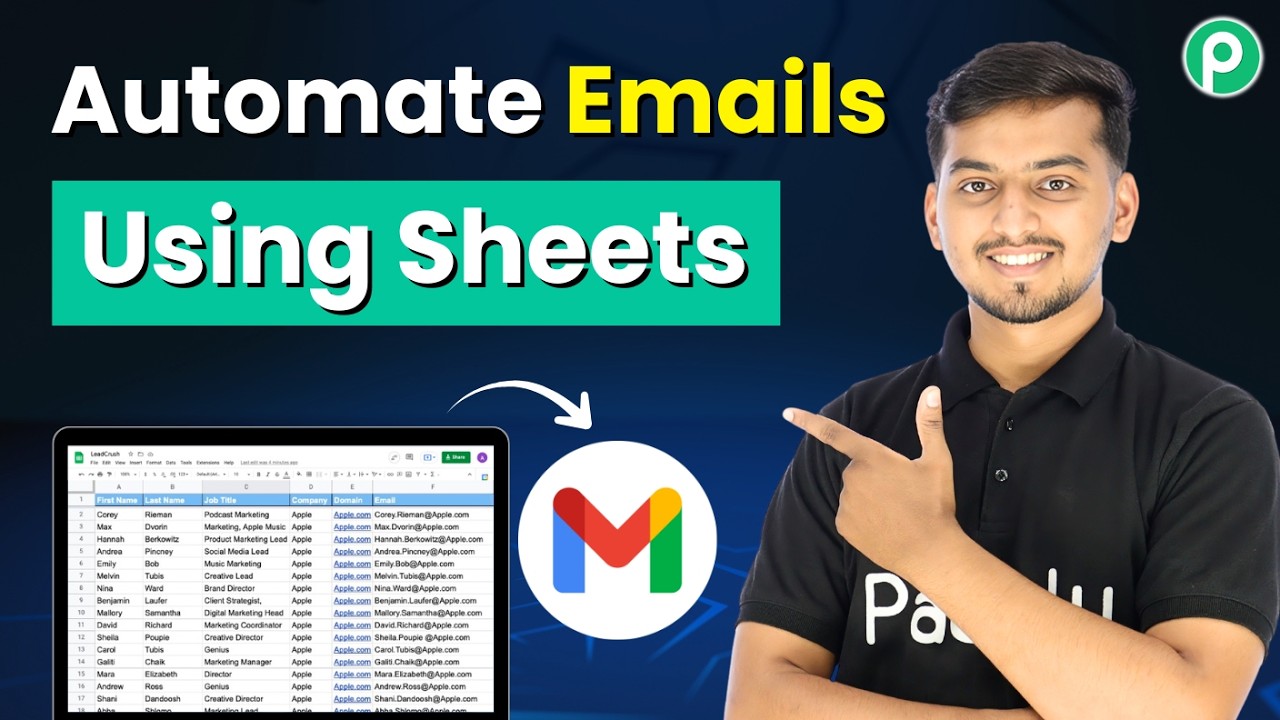
Watch Step By Step Video Tutorial Below 1. Setting Up Pabbly Connect for Google Sheets and Gmail Integration To start automating emails using Pabbly Connect, first, access your Pabbly Connect account. This platform allows you to create workflows that link Google Sheets with Gmail, enabling automatic email sending based on new entries in your spreadsheet. Once logged in, navigate to the dashboard and click on the "Create Workflow" button. This will open a blank workflow where you can set up your integrations. The first step is to select Google Sheets as your trigger application. 2. Configuring Google Sheets as the...