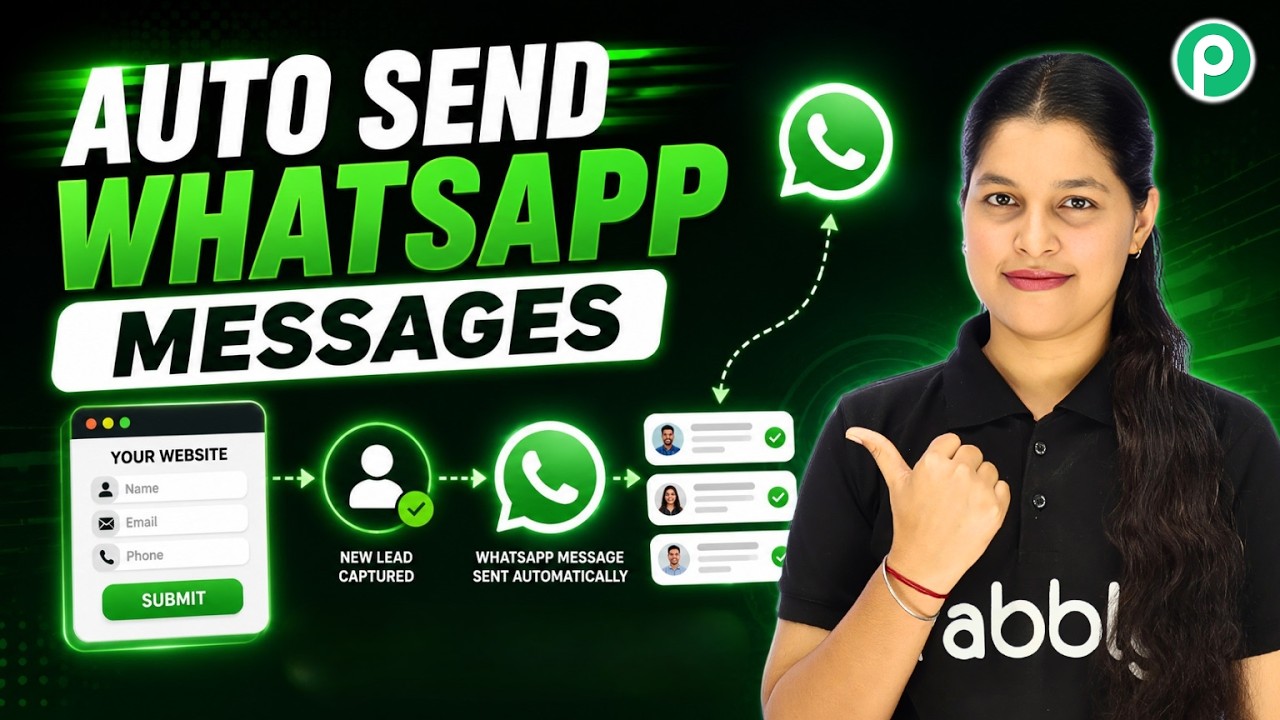
Watch Step By Step Video Tutorial Below 1. Setting Up Pabbly Connect for WhatsApp Automation To automate your WhatsApp conversations, first, access Pabbly Connect. Open your browser and navigate to the Pabbly Connect homepage. If you are a new user, sign up for a free account to get started. After signing in, you will land on the Pabbly Connect dashboard. This is where you will manage your integrations. Here, you can create a new workflow specifically for your WhatsApp AI agent. 2. Creating Your WhatsApp AI Agent Using Pabbly Chatbot Next, you need to create your WhatsApp AI agent. Visit...