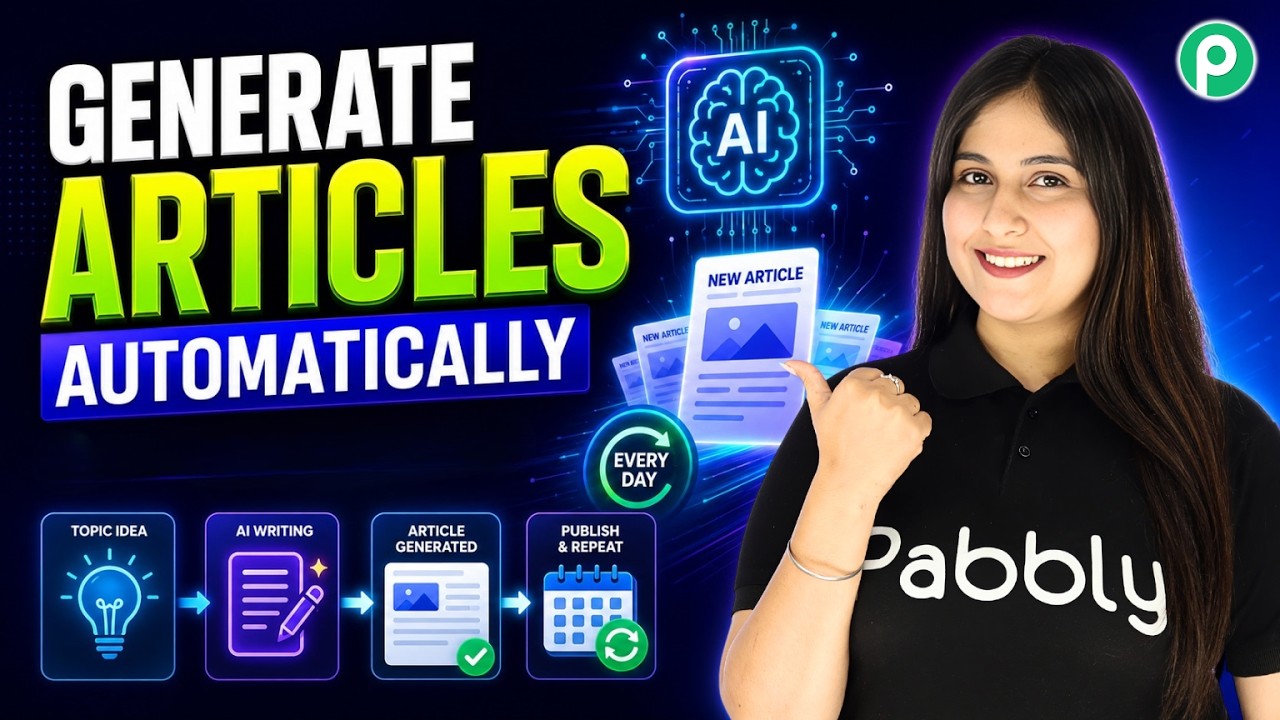
Watch Step By Step Video Tutorial Below 1. Accessing Pabbly Connect for Automation To start generating unique articles automatically, you need to access Pabbly Connect. First, open your browser and go to the Pabbly Connect website. If you are a new user, click on 'Sign Up for Free' to create an account and receive 100 free tasks every month. If you already have an account, simply click on 'Sign In'. After logging in, you will be directed to the Pabbly Connect dashboard, where you can access all the applications available for integration. 2. Creating a Workflow in Pabbly Connect Once...