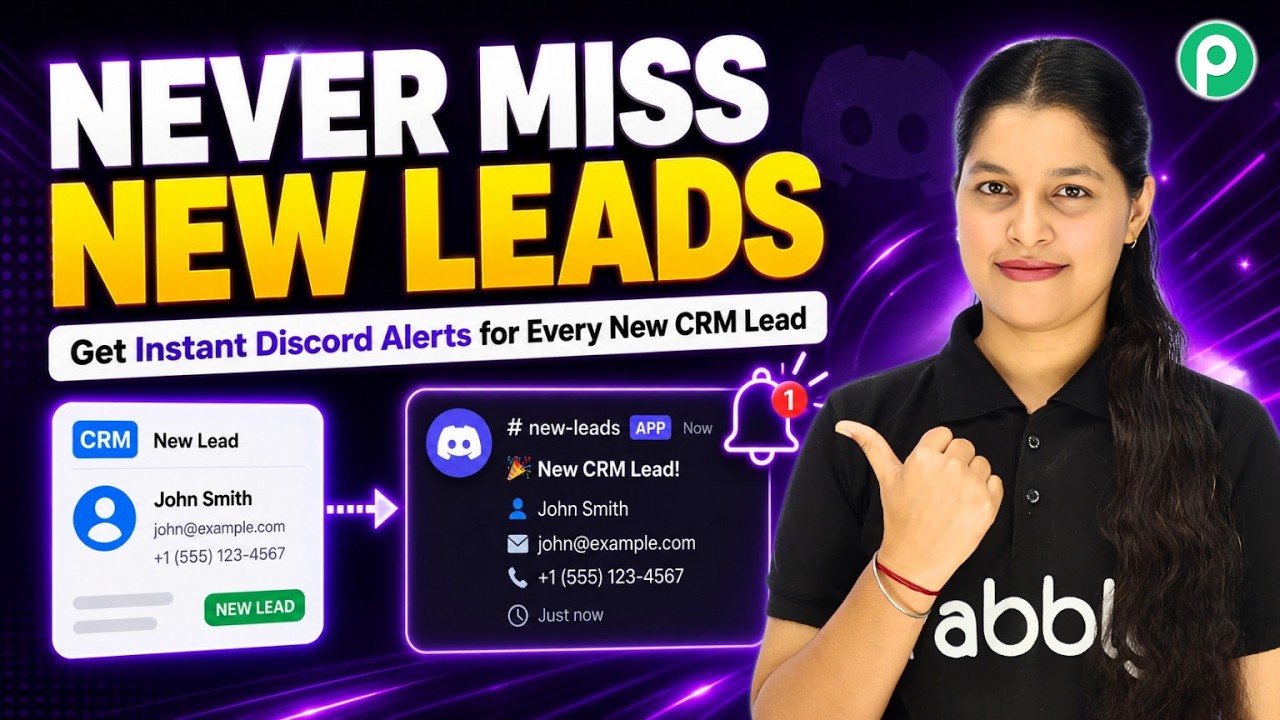
Watch Step By Step Video Tutorial Below 1. Accessing Pabbly Connect for Automation To automate notifications from Zoho CRM to Discord, you need to access Pabbly Connect. Start by navigating to the Pabbly Connect URL at pabbly.com/connect. This is where you can set up your automation workflows. Once on the homepage, you will see options for signing in or signing up. If you are a new user, click on the sign-up button to create a free account. Existing users can simply log in to access their dashboard and start creating integrations. 2. Setting Up Zoho CRM as the Trigger Application...