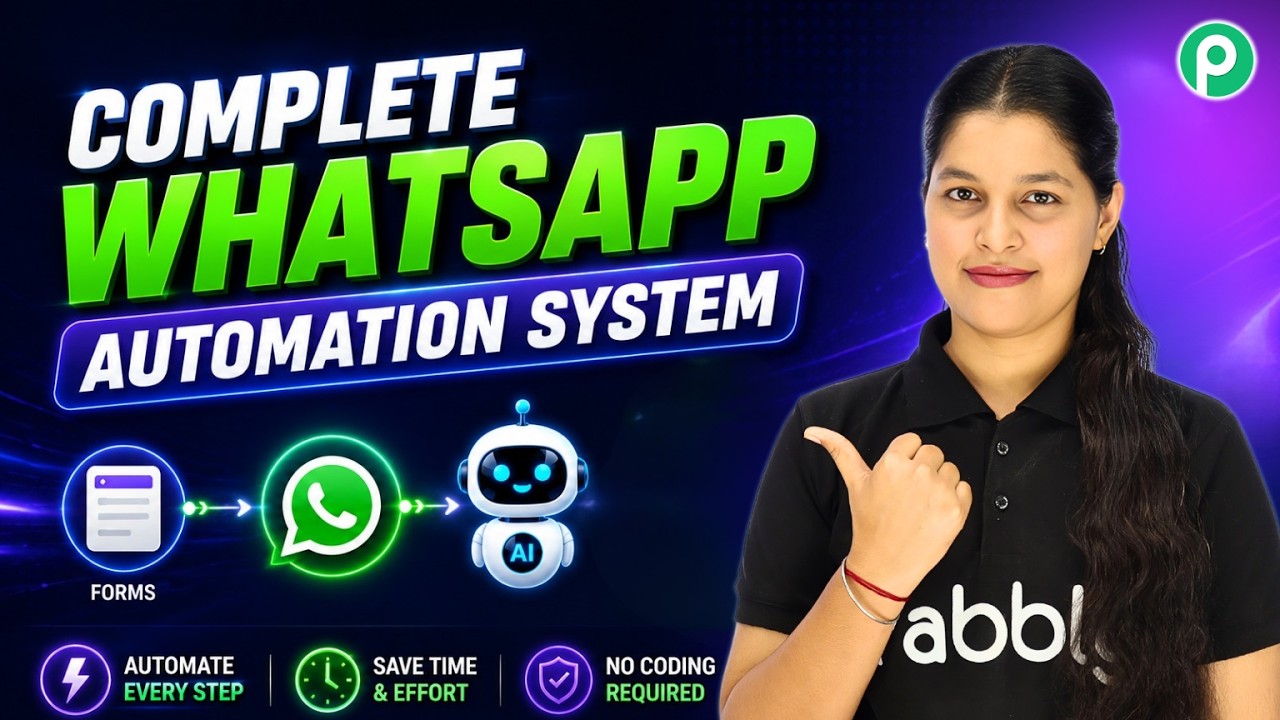
Watch Step By Step Video Tutorial Below 1. Understanding WhatsApp Broadcasts with Pabbly Connect WhatsApp broadcasts allow businesses to send promotional messages to multiple contacts simultaneously. With Pabbly Connect, you can streamline this process and reach your customers efficiently. This feature is perfect for sharing new product launches, discounts, or special offers without manually sending messages to each customer. Using Pabbly Connect, you can set up a broadcast campaign quickly and effectively. 2. Creating Your Broadcast Campaign Using Pabbly Connect To create a WhatsApp broadcast campaign, first, log into your Pabbly Connect account. Navigate to the broadcast section of Pabbly...