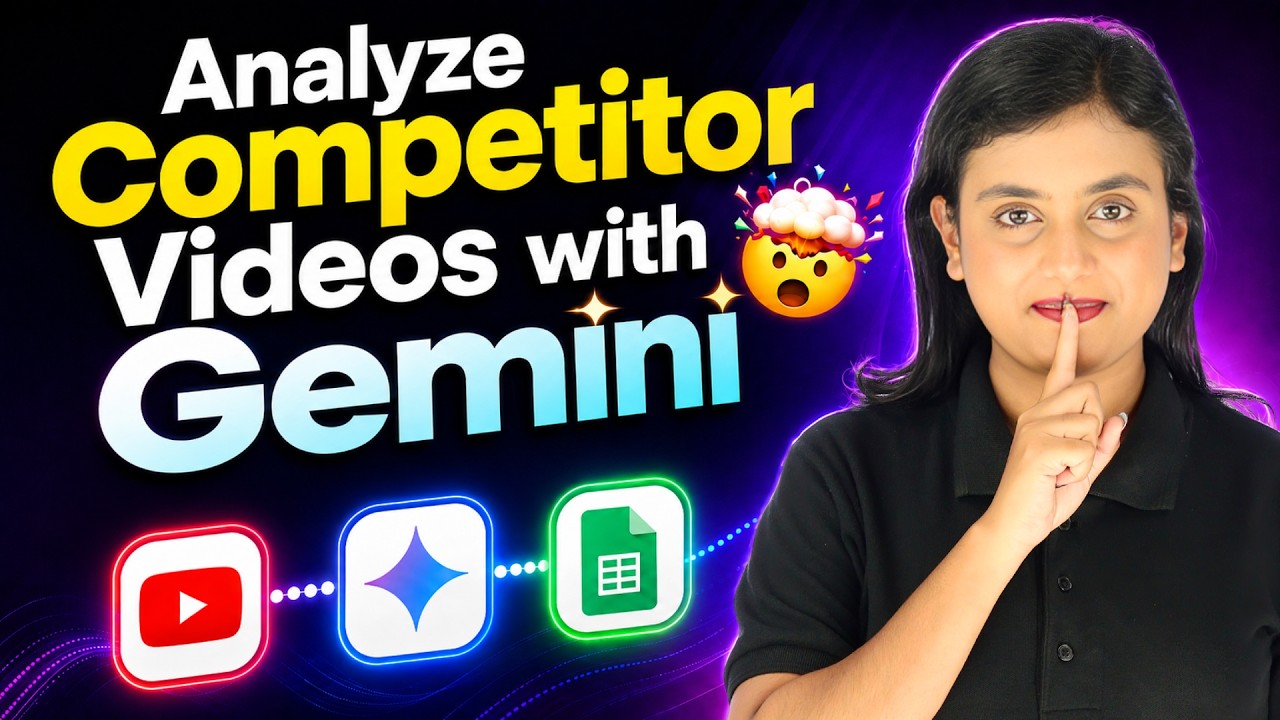
Watch Step By Step Video Tutorial Below 1. Accessing Pabbly Connect for Automation To start integrating Gemini AI with Google Sheets, first access Pabbly Connect. This platform is essential for automating workflows between applications. If you don't have an account, sign up for free and receive 100 free tasks every month. Once logged in, you can easily navigate through the dashboard. Here, you can create a new workflow to connect Google Sheets and Gemini AI. This integration will allow you to automate the process of gathering insights from YouTube videos without manual effort. 2. Setting Up Google Sheets Trigger in...