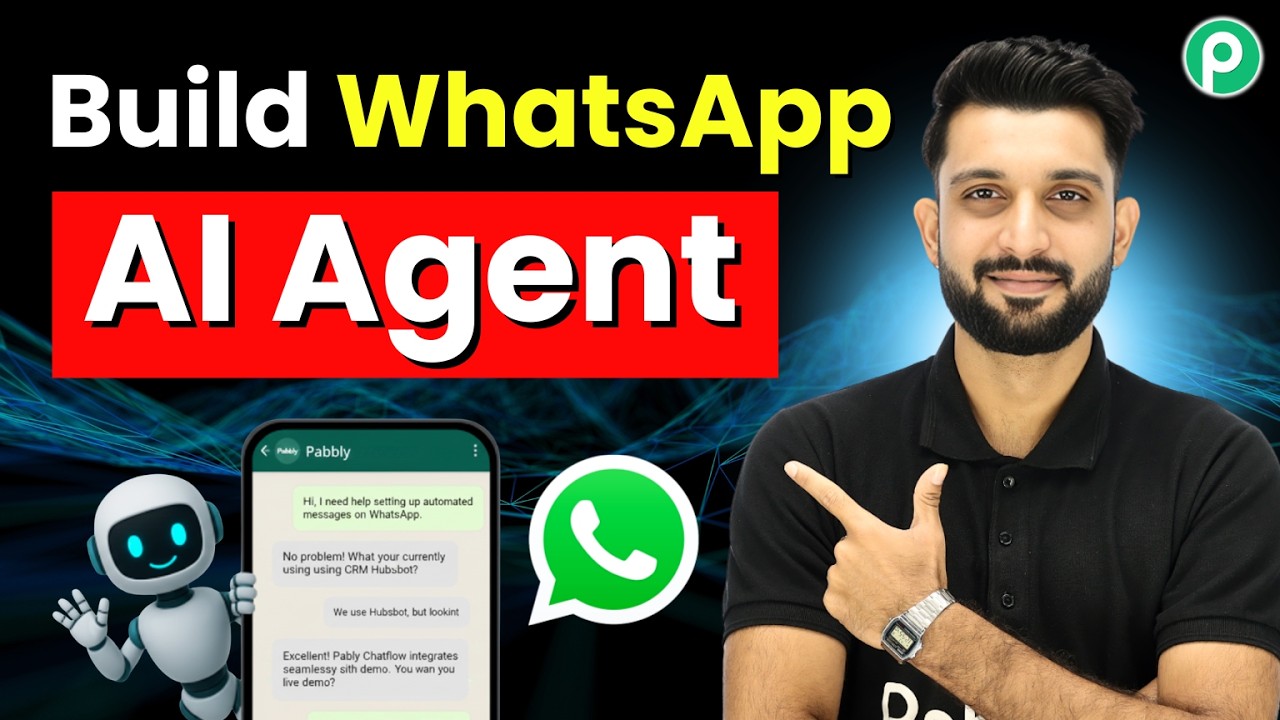
Watch Step By Step Video Tutorial Below 1. Setting Up Pabbly Connect for WhatsApp Integration To start automating your WhatsApp chats, you first need to set up Pabbly Connect. This platform allows you to create automated workflows that connect various applications seamlessly. Begin by visiting the Pabbly Connect website and signing up for an account. After logging in, navigate to the dashboard where you can create a new workflow. Select WhatsApp as your trigger application. This integration will allow you to manage messages and automate responses without any manual effort. 2. Creating Your WhatsApp Assistant Using Pabbly Connect Once you...