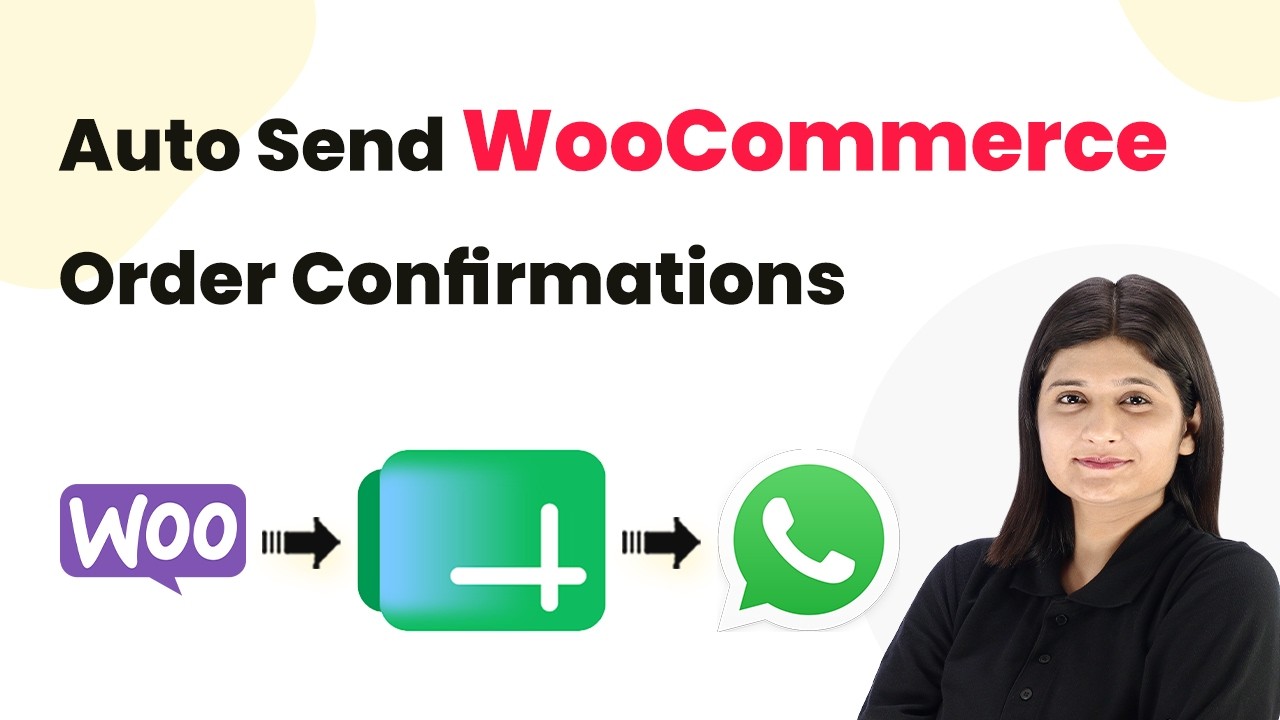
Watch Step By Step Video Tutorial Below 1. Accessing Pabbly Connect for Integration To start automating your WhatsApp messages, you first need to access Pabbly Connect. This platform will help you integrate Google Sheets with WhatsApp seamlessly. Visit the Pabbly Connect website, sign up for a free account, and log in. Once logged in, you will have access to various automation tools that make sending messages easier. 2. Setting Up Google Sheets with Pabbly Connect Now that you have accessed Pabbly Connect, the next step is to set up your Google Sheets. This will be the source of your customer...