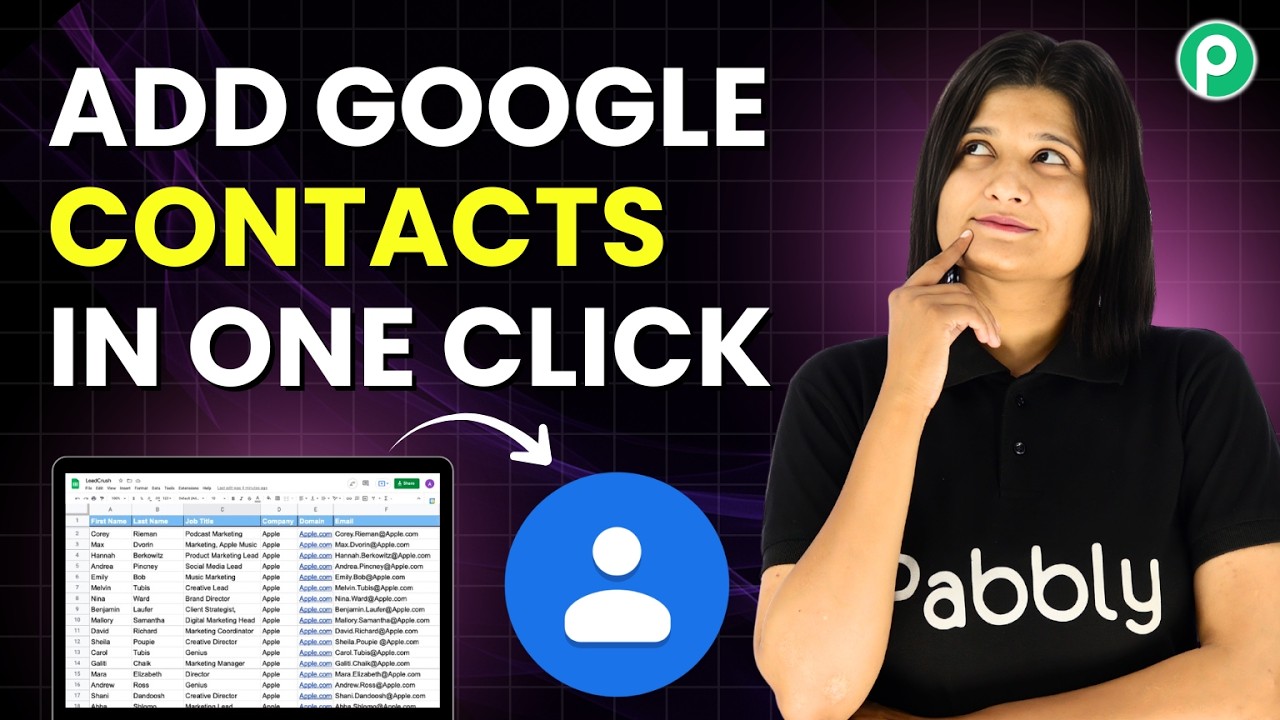
Watch Step By Step Video Tutorial Below 1. Accessing Pabbly Connect for Google Integration To start integrating Google Sheets with Google Contacts, you first need to access Pabbly Connect. Visit the Pabbly website and log in using your credentials. If you are a new user, you can sign up for a free account. Once logged in, navigate to the "All Pabbly Apps" section and select Pabbly Connect. Here, you will find your dashboard with existing workflows. You can create a new workflow by clicking on "Create Workflow" and naming it appropriately. 2. Creating a Workflow to Connect Google Sheets and...