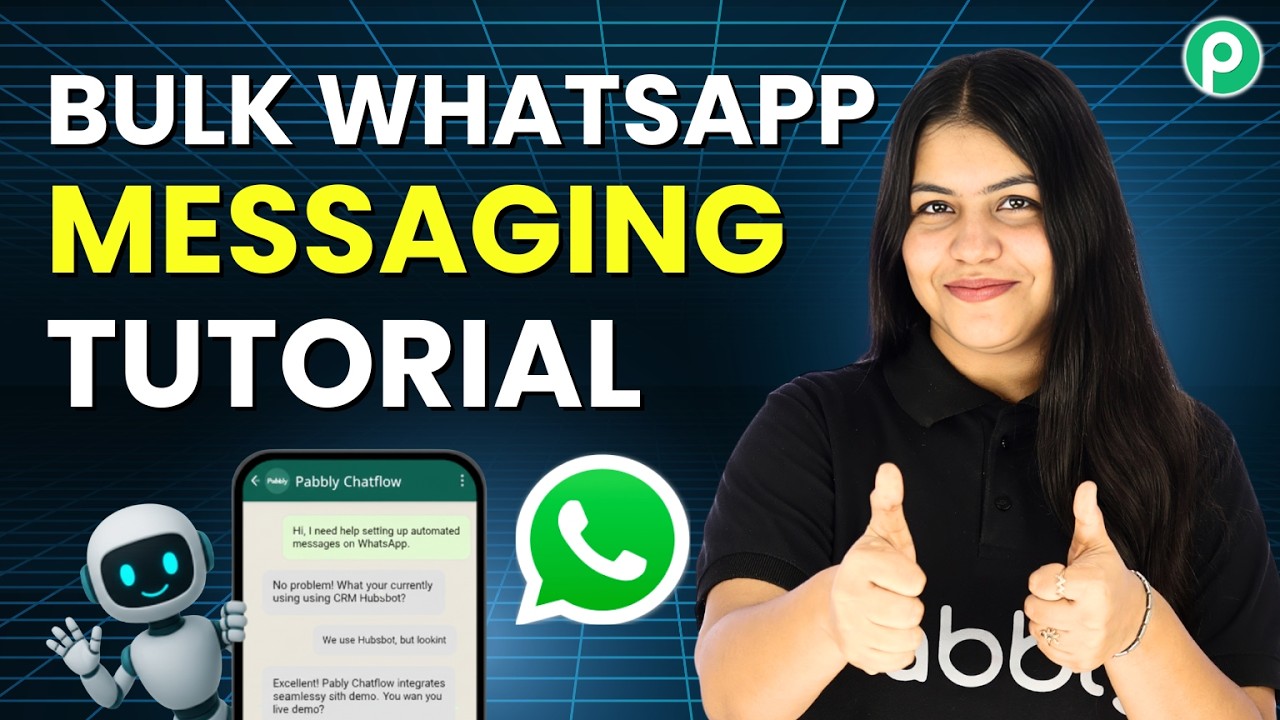
Watch Step By Step Video Tutorial Below 1. Accessing Pabbly Connect for WhatsApp Integration To start using Pabbly Connect for WhatsApp integration, navigate to pabbly.com/f in your browser. This will take you to the Pabbly homepage where you can either sign up for a free account or log in if you are an existing user. Once logged in, you will see the dashboard with various Pabbly applications. Click on the option to access Pabbly Connect, which is essential for setting up your WhatsApp integration. 2. Setting Up Your WhatsApp Broadcast Now that you have accessed Pabbly Connect, the next step...