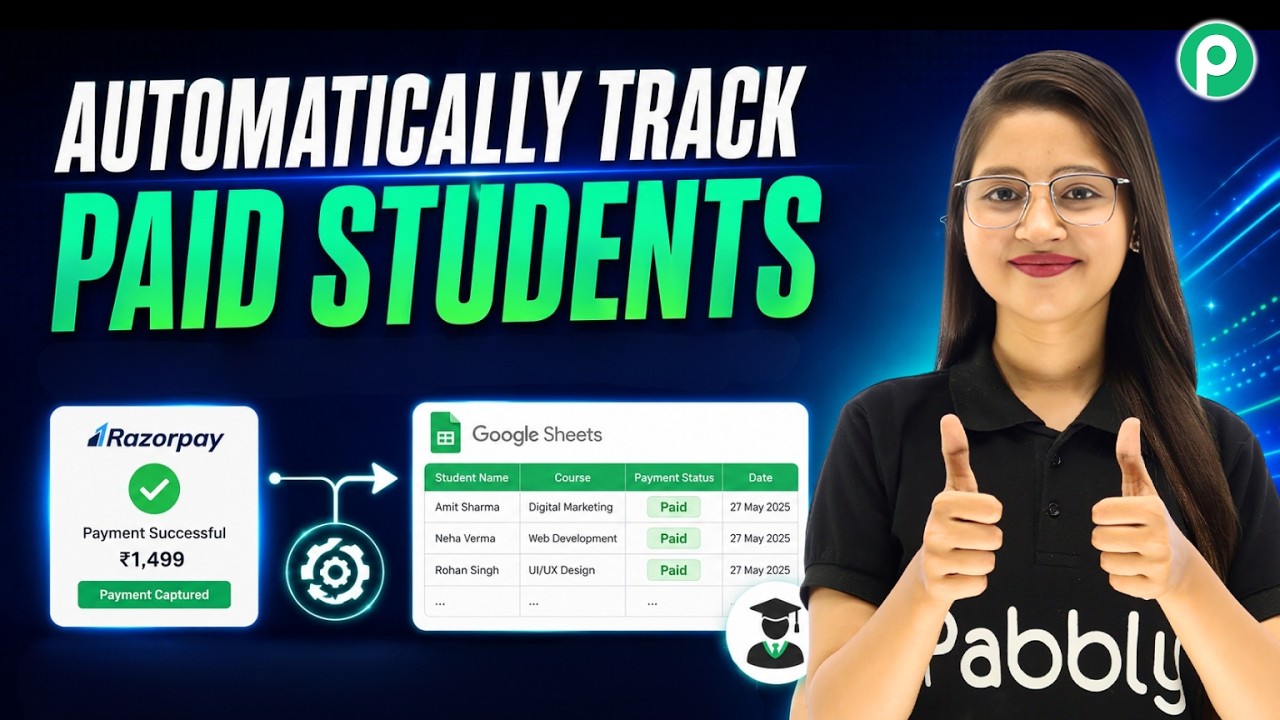
Watch Step By Step Video Tutorial Below 1. Accessing Pabbly Connect for Integration To start integrating Google Ads with WhatsApp, first, you need to access Pabbly Connect. Open a new tab and visit pabbly.com/connect. Once there, sign up for a free account, which allows you to utilize 100 free tasks every month. After signing up, log in to your Pabbly Connect dashboard. Here, you’ll find various automation options to help streamline your processes. If you find Pabbly Connect beneficial, consider purchasing their one-time plans for unlimited features. 2. Setting Up Google Ads with Pabbly Connect Next, you’ll need to set...