
00
HRS
44
MIN
03
SEC
👉 DON'T MISS OUT - Use Pabbly Chatflow for One Time Price. No Recurring Charges Ever
GRAB THIS OFFER
Pabbly Chatflow
Product Demo

Experience Pabbly Chatflow Live

See how businesses automate conversations, engage customers, and boost sales using WhatsApp automation.

Quick Setup · Step-by-Step Guide · Free Forever

Setup your WhatsApp automation
just in 5 minutes

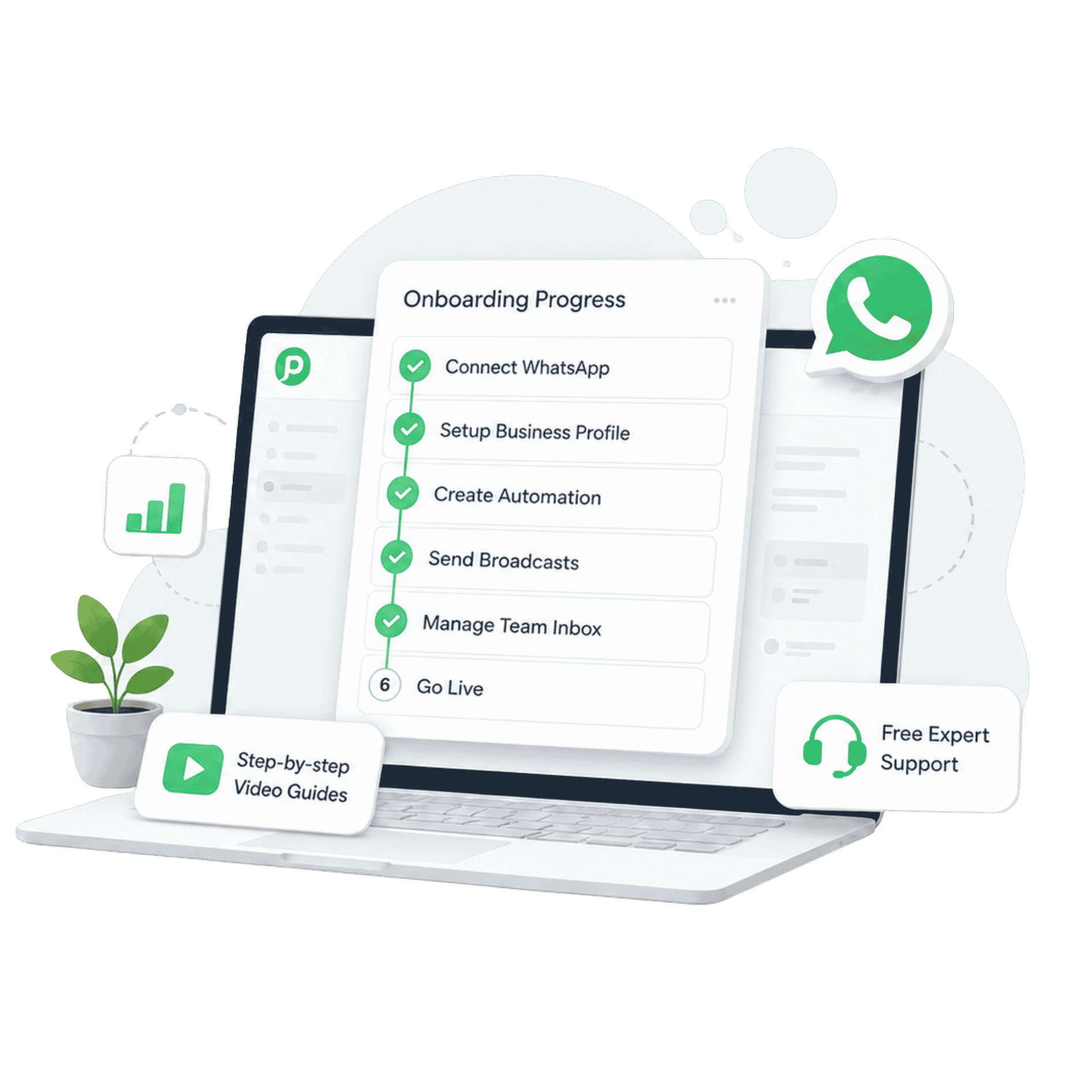
Follow our simple step-by-step onboarding guide with videos and tutorials to launch your first WhatsApp automation quickly.

Pabbly Chatflow onboarding

BEFORE YOU START

What you'll need

A phone number (new OR existing)

Start fresh with a new WhatsApp-free number, OR use your existing WhatsApp Business App number via Coexistence.

Business registration proof

Certificate of incorporation, company PAN, or similar.

GST Certificate (India only)

Required for businesses in India.

ONBOARDING PLAYBOOK

Master Pabbly Chatflow in 5 Guided Steps

Click any step on the left to see the video, requirements, and detailed walkthrough.

CHOOSE YOUR SETUP PATH

STEP 1 · NEW NUMBER

Add a New WhatsApp Business Number

Best for businesses starting fresh. Get a dedicated WhatsApp API number with zero existing chat history - perfect if you're setting up WhatsApp Business for the first time.


STEP 6

Build your First AI Assistant

Upload your knowledge base and train an AI assistant to handle customer queries with instant, human-like replies on WhatsApp — 24/7, no coding required.

BEYOND ONBOARDING

Helpful Resources

Everything you need to become a Pabbly Chatflow power user.

GOT QUESTIONS?

Onboarding FAQ

The most common questions we get during setup.

Is the onboarding really free?

Yes — onboarding, video guides, and knowledge base are all 100% free. You only pay for your Pabbly Chatflow plan and Meta's conversation charges.

How long does the full onboarding take?

Onboarding takes around 10 minutes. Each step is a short video, and you can pause and resume anytime.

What if I don't have a business registration?

You can still get started with personal documents in some regions. Our team can guide you through Meta's options on a free expert call.

Can I use my existing WhatsApp number?

Yes — via WhatsApp Coexistence you can keep using your existing WhatsApp Business App number and connect it to Pabbly Chatflow.

What happens if my number is already connected elsewhere?

If your WhatsApp number is already connected to another BSP or platform, you'll need to disconnect it there first. Once released, you can connect it to Pabbly Chatflow without losing your WhatsApp Business account.

NEXT STEP

Ready to start? Or need assistance?

Kick off your free trial in seconds, or get in touch with our team — we'll walk you through every step.

Company

Learn

Partners

  • Affiliate Program

Products

  • Pabbly Plus
  • Pabbly Connect
  • Pabbly Chatflow
  • Pabbly Subscription Billing
  • Pabbly Email Marketing
  • Pabbly Form Builder
  • Pabbly Hook
Pabbly Logo
[email protected]
[email protected]
Contact Us
Support Forum

Follow Us

Documentation

  • Pabbly Chatflow
  • Developer API

Integrations

Certification

SOC 2 Type 2
SOC2 Type 2
ISO 27001:2022
ISO 27001:2022
SOC 2 Type 2 Certification
ISO 27001:2022 Certification

MagnetBrains LLC DBA Pabbly © 2026. All Rights Reserved.



