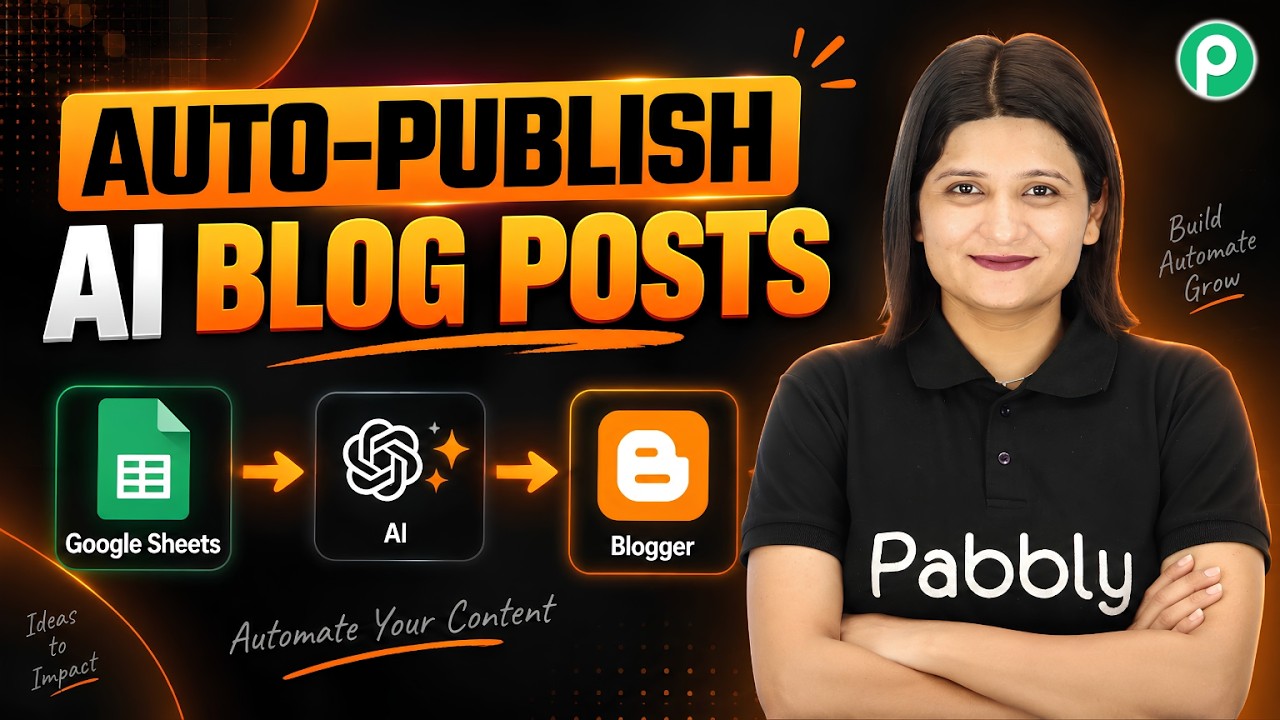
Watch Step By Step Video Tutorial Below 1. Setting Up Pabbly Connect for Integration To begin with, you need to access Pabbly Connect. This integration facilitates the connection between Google Sheets, OpenAI, and Google Blogger. First, sign in to your Pabbly account and select Pabbly Connect from the dashboard. Once you are on the Pabbly Connect dashboard, click on ‘Create New Workflow’. This will allow you to set up the automation process. In this workflow, you will define a trigger and an action that will occur based on your input. 2. Defining the Trigger with Google Sheets The first step...