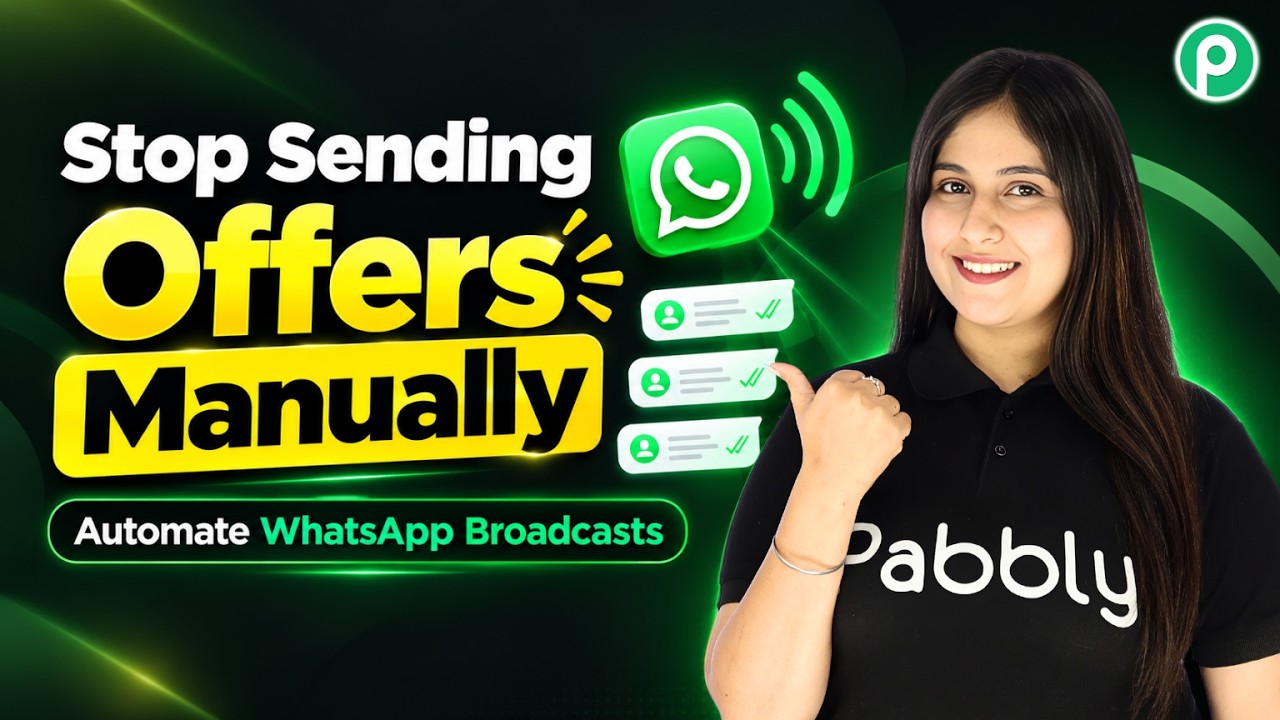
Watch Step By Step Video Tutorial Below 1. Creating a WhatsApp Broadcast Campaign with Pabbly Connect To create a WhatsApp broadcast campaign, you will use Pabbly Connect. Start by accessing the broadcast feature within Pabbly Chatflow. This tool allows you to promote products and send announcements directly to your customers via WhatsApp. Click the plus add broadcast button to begin. You will be prompted to select a broadcast type, which in this case is a broadcast campaign. Enter a name for your broadcast, such as "Price Drop Offer." This setup is crucial for targeting your audience effectively. 2. Selecting Your...