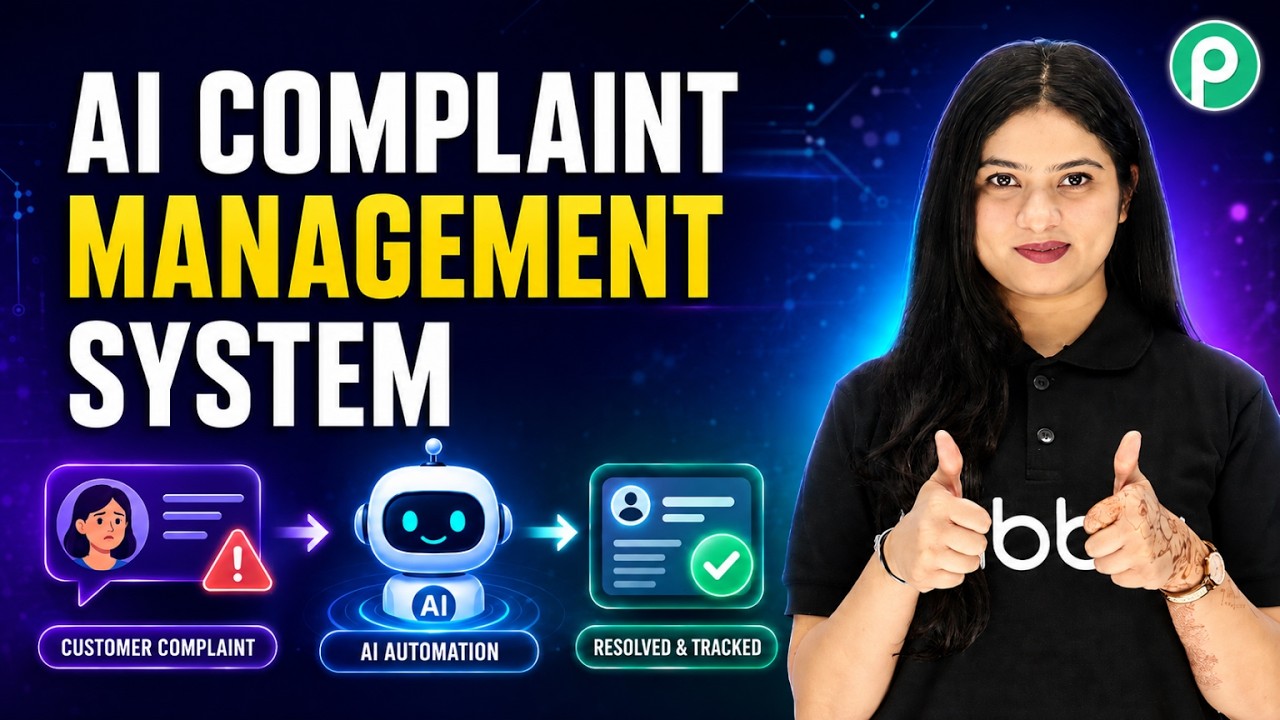
Watch Step By Step Video Tutorial Below 1. Accessing Pabbly Connect for Integration To start integrating Agentic AI with Pabbly Connect, first, access the Pabbly Connect dashboard. Here, you can create workflows that automate your complaint management system. Pabbly Connect serves as the integration hub, allowing seamless connections between different applications. Once logged in, click on the 'Create Workflow' button. This initiates the process where you will define the workflow for handling customer complaints. The first step is to name your workflow, which could be something like "AI Complaint Management System." This naming convention helps in identifying the workflow later....