Teamwork is a project management software & CRM that helps you create an efficient team that works great together.
With just one click, you're all set with the Teamwork & LeadConnector V2 integrations.
One Click & Ready-to-Use Teamwork & LeadConnector V2 Integrations


Triggers
Actions
Triggers when a new project is added
Triggers when appointment status updates.
Triggers when a new task is added
Triggers on Customer's Birthday.
Triggers when a new task list is added.
Triggers on outbound and inbound calls.
Triggers when a new file is added
Triggers when the contact's DND is updated.
Triggers when a new calendar event is set
Triggers when tags are added or removed.
Triggers when a new message reply is added
Triggers on custom Date reminder.
Triggers when a new link is added
Triggers when the customer books an appointment themselves.
Triggers when a new status is added
Triggers when a customers or lead added to a campaign.
Triggers when a new risk is added
Trigger when a contact responds to the campaign.
Triggers when a new expense is added
Triggers on specific email events.
Triggers when a new invoice is added
Triggers when a form is submitted.
Triggers when a new company is created.
Triggers when a note is added to a contact.
Triggers when a new card is added
Triggers when the opportunity status gets changed.
Triggers when a new column is added
Triggers when the pipeline stage updates for an opportunity.
Triggers when a new comment is added
Triggers when opportunities are older than the given time duration.
Triggers when a new notebook is added
Triggers when a survey is submitted.
Triggers when a new message is added
Triggers when a task is added to a contact.
Triggers when a new milestone is added
Triggers to reminds the due tasks.
Triggers when your trigger link is clicked.
Triggers when the Two step order form is submitted.
Trigger when a Contact Created.
Add people to the existing project.
Creates a new location/subaccount on the agency account.
Creates a calendar event type to your account.
Create a new user on the agency level inside teams.
Creates a company to your account.
Create or updates contact on a sub-account level.
Creates an expense to your project.
Creates contact on a sub-account level.
Creates an Invoice for your project.
Creates a new conversation.
Creates a Link.
Creates or updates an existing opportunity on a sub-account level..
Create a new link category to your project.
Creates opportunity on a sub-account level..
Creates a new link comment.
Creates opportunity on a sub-account level..
Creates a new message for your project.
Creates a new task on a sub-account level.
Creates a category for your message.
Creates business on sub account level.
Creates a new milestone for your project.
Allows adding a new url redirect to the system. Use this endpoint to create a url redirect with the specified details.
Creates a person to your account.
Creates or updates an existing opportunity on a sub-account level..
Creates a new project.
Create or updates contact on a sub-account level.
Creates a project category.
Creates a new appointment.
Creates a new task.
Creates new custom value.
Creates a new task comment.
Uploads a file attachments.
Creates a new task list for your project.
Uploads a file into the media library.
Creates a new task list for your project.
Adds notes to a contact on a sub-account level.
Creates a new time entry on your project.
Adds tags to an existing contact on a sub-account level.
Creates a new time entry on your task.
Adds contact to workflow on a sub-account level.
Get person details by id.
Adds contacts to existing campaign on a sub-account level.
Get details of project by id.
Pause a location.
Marks a task to complete.
Updates an existing contact on a sub-account level.
Adds a card to a column.
Update an existing user on the agency level inside teams.
Creates a new notebook.
Searches a specific user on the agency level inside teams.
Get details of notebook by id.
Updates an existing opportunity on a sub-account level.
Moves a board card from column to column.
Updates an existing opportunity on a sub-account level.
Searches for an existing company.
Updates an existing task on a sub-account level.
Searches for an existing events.
Retrieves pipelines and it's corresponding stages.
Searches for an existing file.
Searches the contacts.
Searches for an existing file comment.
Searches an existing opportunity.
Searches for an existing link.
Searches an existing task.
Searches for an existing message.
Updates an existing location on the agency account.
Searches for an existing milestone.
Updates existing custom value and name.
Searches for an existing milestone comment.
Allows updating an existing URL redirect in the system. Use this endpoint to modify a URL redirect with the specified ID.
Searches for an existing notebook.
Searches an existing location.
Searches for an existing notebook comment.
Searches an existing location by buisness email or agency IDs
Searches for an existing person.
Removes contacts from existing campaign.
Searches for an existing projects.
Removes contacts from every campaign.
Searches for an existing task.
Retrieves IDs of company, location or both depending on agency or location auth.
Searches for an existing task comments.
Get details of a contact by id on sub-account level.
Searches for an existing tasklist.
Get details of a location by passing the location id on sub-account level.
Updates an existing task.
Get free slots for a calendar between a date range.
Updates an existing task list for your project.
Retrieves existing custom value details.
Get appointments for contact on sub-account level.
Retrieve a payment orders.
Sends a new message through SMS and Email.
Deletes existing custom value.
Allows deletion of a URL redirect from the system using its unique identifier.
Uploads a file to a custom field.
Get calendar by ID.
Creates a new custom object.
Updates the schema (labels, description, searchable properties) of a custom object.
Retrieve all the custom objects.
Retrieves an object by key or id.
Retrieve custom fields for a specified custom object by its key and location.
Retrieve records from the specified object.
Retrieve all the documents.
Retrieve all the templates.
Sends a document to the client.
Sends a template to the client.
Import Courses through public channels
Create your custom integration by selecting the Trigger event and Action to be performed.
With Pabbly Connect, you can easily connect and integrate Teamwork and LeadConnector V2 with different applications associated with CRM, Sales, Marketing, Productivity, or any other apps.
Teamwork
Teamwork is a project management software & CRM that helps you create an efficient team that works great together.

LeadConnector V2
Teamwork
Teamwork is a project management software & CRM that helps you create an efficient team that works great together.

LeadConnector V2
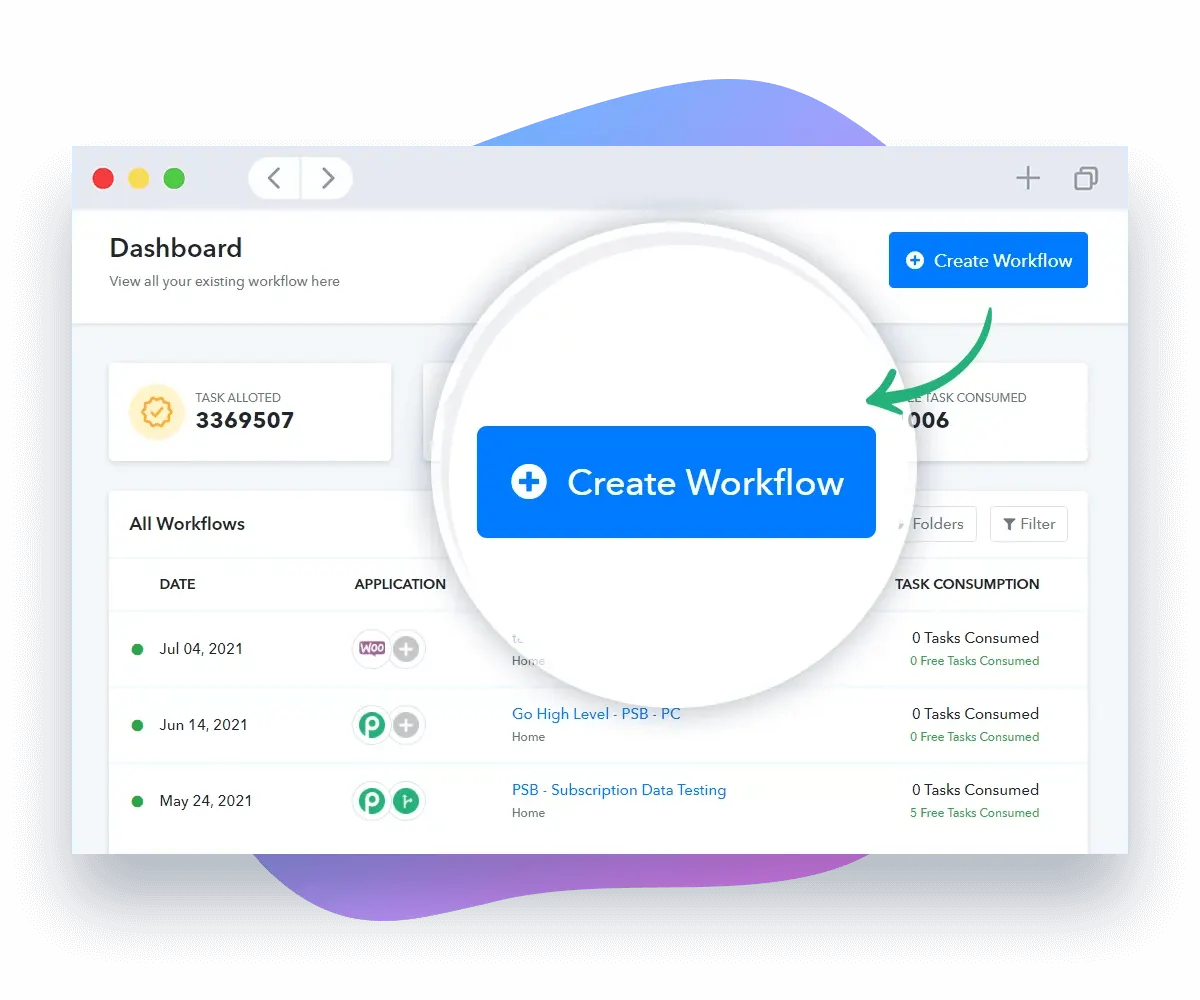
Pabbly Connect is an integration application that connects multiple applications together so that you can send data from one application to another application. Just 3 simple steps and you're good to go ahead with Teamwork and LeadConnector V2 integrations!
Step 1
Start building automation workflow by setting up triggers and actions.
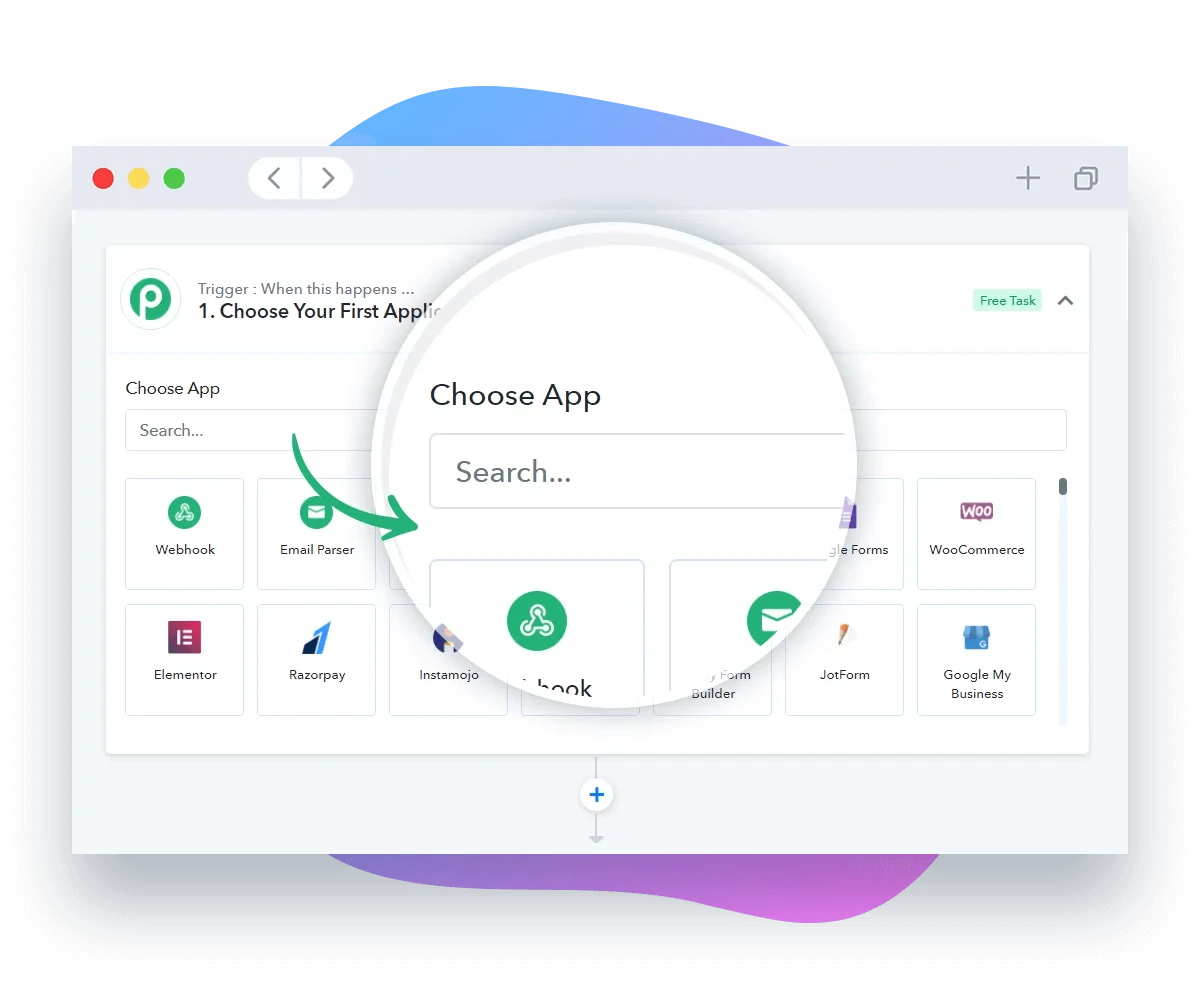
Step 2
Select the apps you would like to integrate into the workflow.
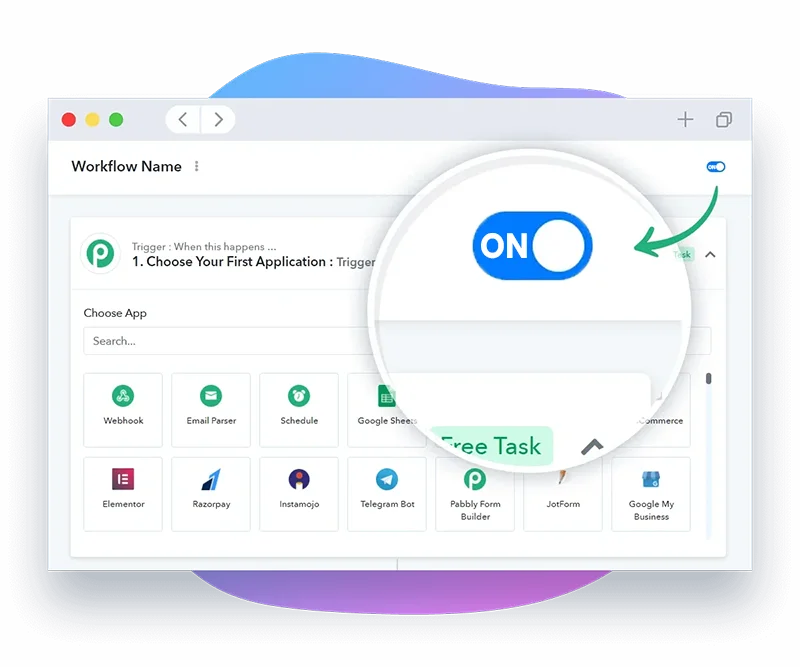
Step 3
Enable your workflow and start saving countless hours of manual work.
Start building automation workflow by setting up triggers and actions.
Select the apps you would like to integrate into the workflow.
Enable your workflow and start saving countless hours of manual work.
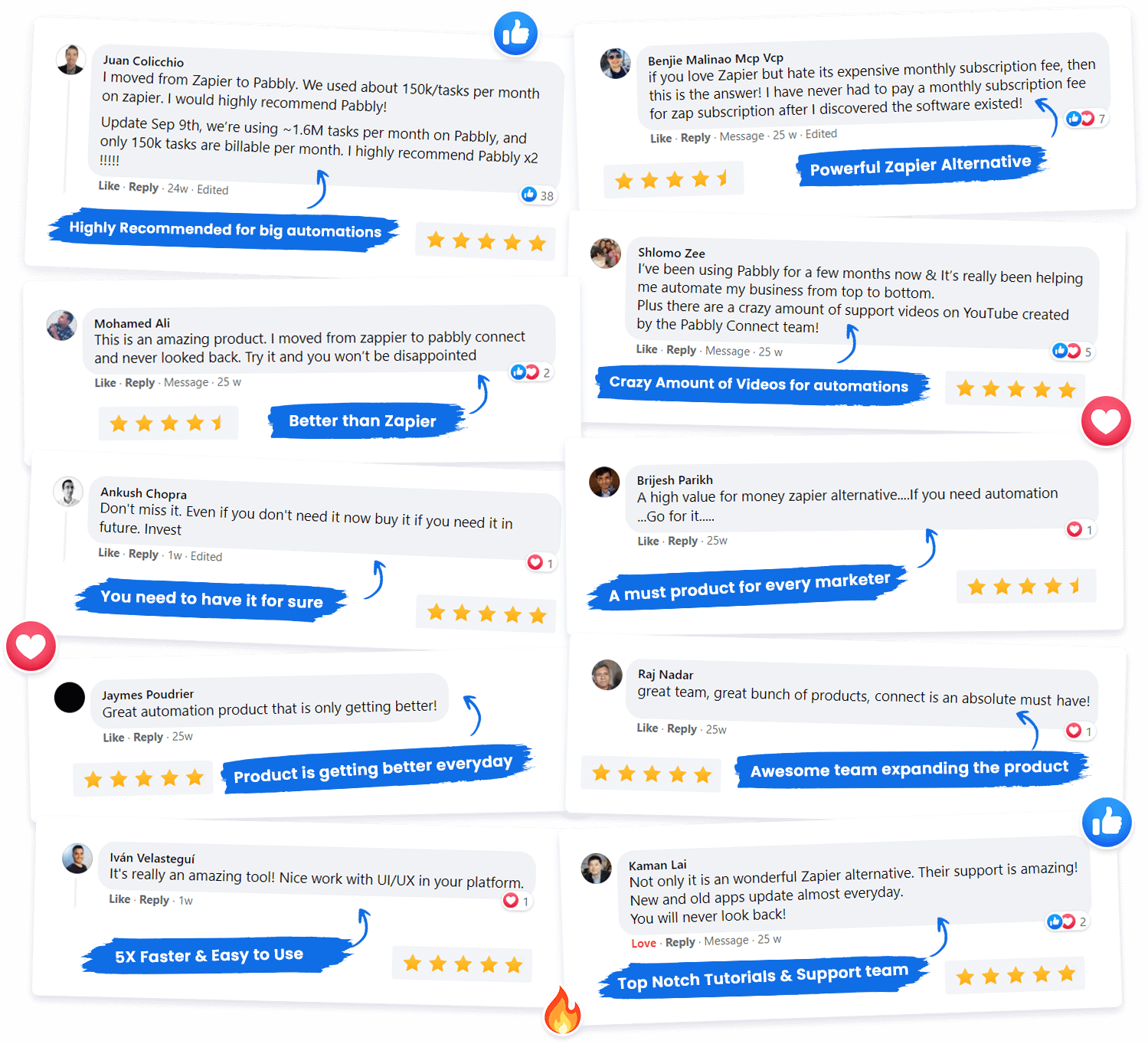
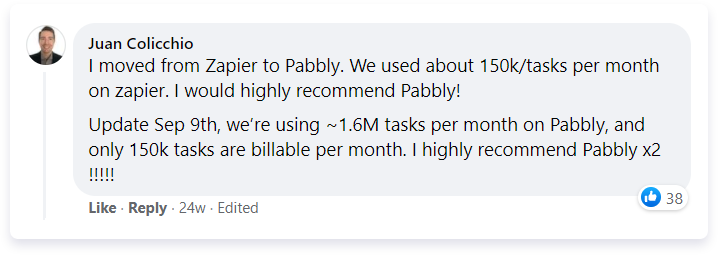
“ I moved from Zapier to Pabbly. We’re using ~1.6M tasks per month on Pabbly, and only 150k tasks are billable per month. I highly recommend Pabbly x2 !!!! "
Juan Colicchio,
LGG Media
How to integrate Teamwork with LeadConnector V2?
We know you want to automate your tasks and that's why are offering a step-by-step guide in integrating multiple applications.
Unlike others, Pabbly Connect does not charge for trigger and internal steps. Do up to 3X more workflow executions with Teamwork and LeadConnector V2 compared to other platforms.
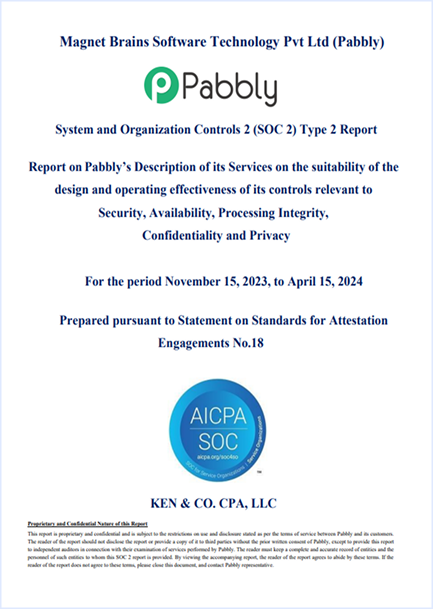
To ensure seamless operations, security, privacy and compliance needs to be coherent. Pabbly is SOC2 Type 2 and ISO 27001:2022 certified. We ensure that the customers data is protected without any lapses in the security. You're safe with us.
Get answers to most commonly asked questions.
Pabbly Connect is an integration application that connects multiple applications together, so that you can send data from one of your applications to another and sync your data across multiple applications. Know more here
Any action performed within your workflow is considered a task. Triggers are not included in the task count. Only action steps are included. Internal tasks of Pabbly Connect, such as Filter, Router, and Formatter, are not counted as tasks.
For example, sending one lead from Facebook Lead Ad to MailChimp counts as one task. If you have a multi-step automation workflow, the task count will depend on the number of action steps. For example, sending one lead from Facebook Lead Ad to MailChimp and then to Google Sheets would count as two tasks. Learn more.
Every check made to an external application to see if there is any new data in a day is counted as an operation. So, if a check is made every 5 minutes, that is 288 operations in a day, whether or not there is any new data. However, Pabbly Connect does not charge for operations. That’s why we say we provide unlimited operations.
For example, if you have a workflow that constantly checks a Google My Business page for new reviews and sends replies, each check of the page to see if there are any new reviews counts as an operation. So, whether or not you send a reply, you will always use 288 operations in a day.
A workflow consists of a trigger and one or more action steps involving the applications you want to integrate. A workflow can have a single trigger and one or more actions. When you turn on your workflow, the action steps will run every time the trigger event occurs.
Yes, all data will be synced automatically once you set up your triggers and actions correctly. Automation software works on the principle of “set it and forget it,” running automatically around the clock for you.
Yes, Pabbly Connect includes filters and path routers for advanced automation. You can specify filters based on values coming in through triggers and webhooks.
For example, with filters and path routers, you can specify that you want to send a customer who made a purchase of more than $1000 to the MailChimp premium list and a purchase of less than $1000 to the MailChimp normal users list.
No, not at all. Unlike others, we don’t count tasks for internal apps like filters, routers, text formatters, number formatters, schedules, iterators, date/time formatters, email parsers, data forwarders, and data formatters.
Yes, Pabbly Connect supports multi-step integrations. For example, when a new payment happens in Stripe or WooCommerce, you can send the customer details to MailChimp, add the customer email to a CRM for follow-up, and receive an SMS on your phone once everything is done.

Yes, Pabbly Connect is proud to be ISO 27001:2022 certified. This certification demonstrates our commitment to maintaining the highest standards of information security. ISO 27001:2022 is a globally recognized standard that provides a framework for establishing, implementing, maintaining, and continually improving an Information Security Management System (ISMS).
The pricing plans are based on the number of tasks allotted to an account. We have plans that offer a range of task allotments, from 12,000 to 9 million tasks per month. It’s worth noting that we are the only provider who doesn’t count tasks for triggers and internal applications
Yes, we can provide you with custom plans if you need more than 7 million tasks per month. Please contact us at [email protected] for more information.
Yes, you will be eligible for all future integrations and updates at no extra cost.
Yes. You can drop an email at [email protected] for more information on it.
Yes, you can cancel your subscription at any time. Just send an email to [email protected] with your request and we will take care of it for you.
Yes, you can signup here to become an affiliate and start promoting us – https://www.pabbly.com/affiliates/
You can always post your questions in our community forum where you can quickly get replies to all of your questions.
Yes, we do have a roadmap that allows you to see what we are working on. Click here to view roadmap..
Yes, we do. Keep in mind that annual subscriptions are 25% less than monthly ones along with additional bonuses and features so if you really want to get more, we highly recommend choosing the annual subscription instead!
Tier 1: 12,000 Tasks every month
Tier 2: 24,000 Tasks every month
Tier 3: 50,000 Tasks every month
Tier 4: 100,000 Tasks every month
Tier 5: 200,000 Tasks every month
Tier 6: 400,000 Tasks every month
Tier 7: 800,000 Tasks every month
Yes, Pabbly Connect is compliant with SOC2 Type 2 standards. This compliance signifies that our system’s design meets the trust principles set out by the American Institute of CPAs (AICPA) regarding security, availability, and confidentiality. SOC2 Type 2 compliance is particularly relevant for technology and cloud-based organizations like Pabbly, as it assures our customers that we have implemented rigorous controls to protect their data against unauthorized access and threats.
Simplify, manage, and grow your business with a single Pabbly account. Access powerful tools for workflow automation, form building, email marketing, subscription billing, WhatsApp communication, and webhook management—all in one platform.