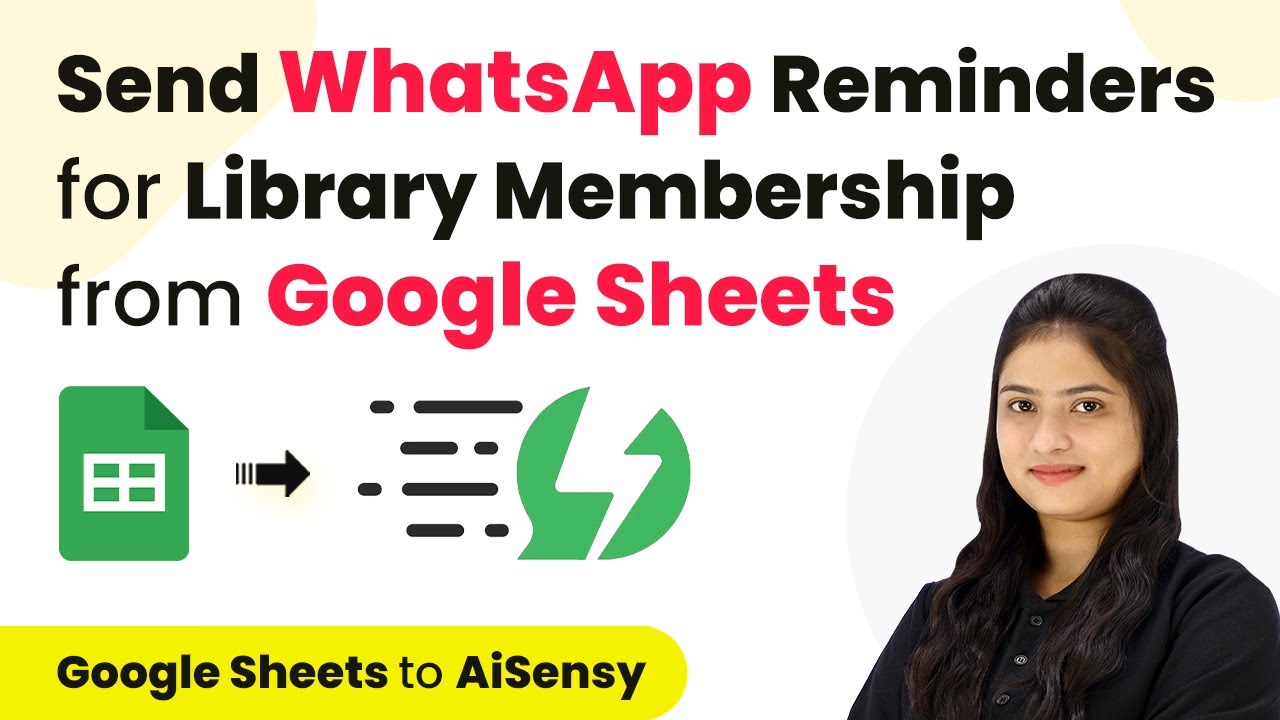
Learn how to automate SMS subscription reminders using Google Sheets and Pabbly Connect. Follow this step-by-step tutorial for seamless integration. Follow this definitive guide to creating powerful automated workflows with straightforward, efficiency-focused solutions that save valuable time.Watch Step By Step Video Tutorial Below 1. Setup Automated SMS with Google SheetsTo automate SMS reminders for subscriptions, we will use Pabbly Connect to link Google Sheets with SMS services. Start by collecting all customer details and subscription dates in Google Sheets.Ensure your Google Sheet includes the following columns:Customer NamePhone NumberSubscription End DatePackage AmountNow that you have your data organized, we can proceed...