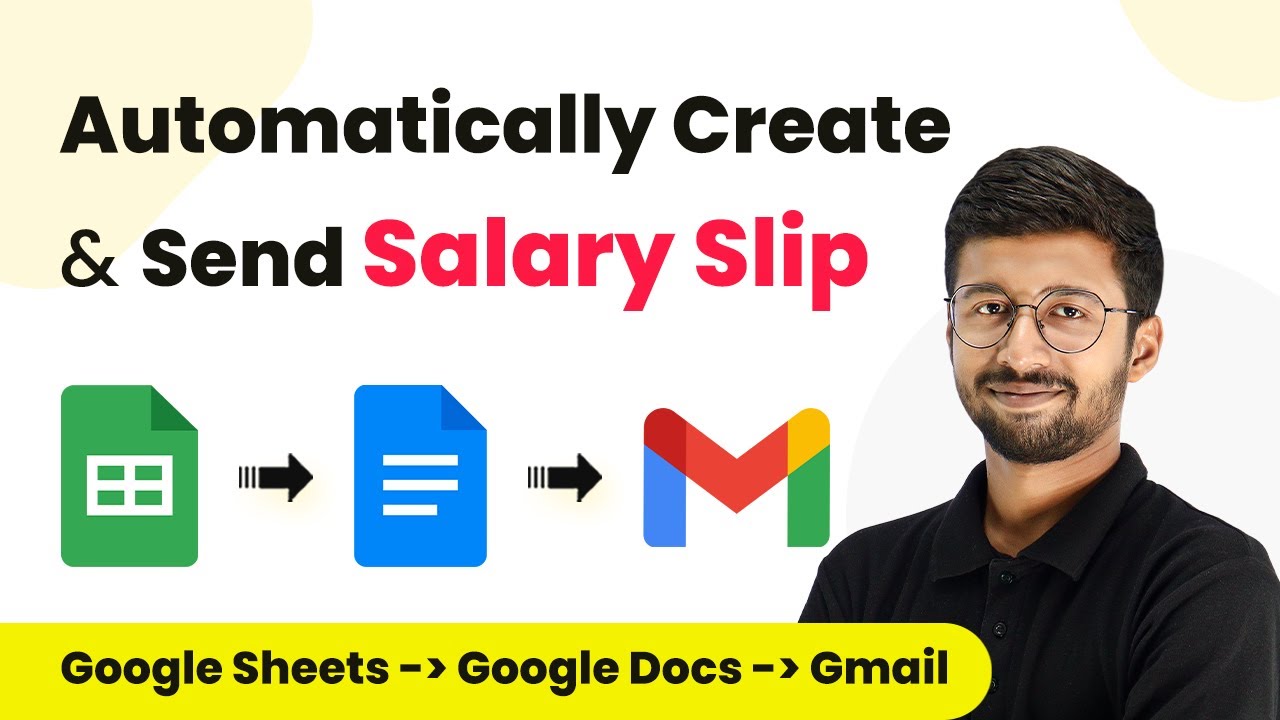
Learn how to automatically create and send salary slip PDFs every month using Pabbly Connect. This detailed tutorial covers all integration steps with Google Sheets and Docs.Watch Step By Step Video Tutorial Below 1. Setting Up Pabbly Connect for AutomationTo automate the creation and sending of salary slips, first, access Pabbly Connect. You’ll need to create a new workflow that connects your Google Sheets and Google Docs.Begin by signing up for a free account on Pabbly Connect. Once logged in, click on 'Create Workflow' and name it, for instance, 'Automatically Generate Salary Slips'. Choose a folder for your workflow and...