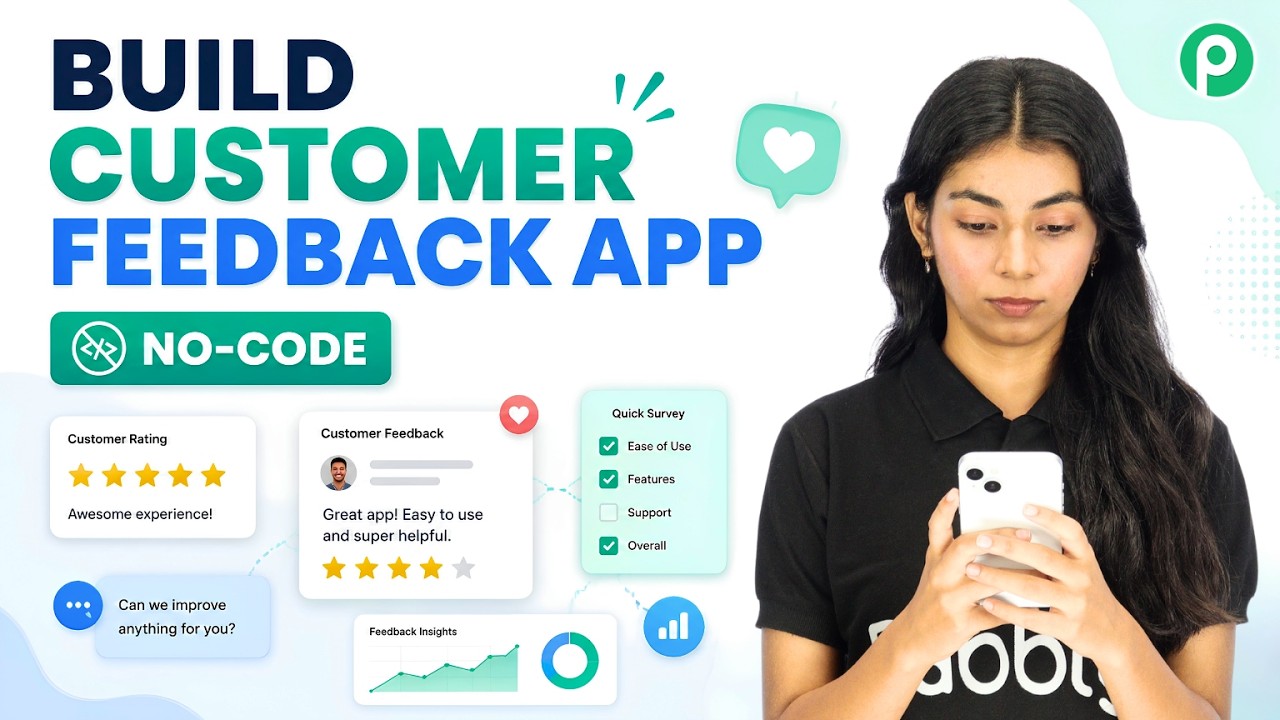
Watch Step By Step Video Tutorial Below 1. Accessing Pabbly Connect to Start Your Integration To create a customer feedback app, the first step is accessing Pabbly Connect. Begin by visiting the Pabbly website and signing in. If you're new, you can sign up for a free trial. Once signed in, navigate to the Pabbly Studio dashboard. Here, you can create your application, which will serve as the central hub for customer feedback. This is where Pabbly Connect will facilitate the integration of various applications involved in the feedback process. 2. Creating Your Customer Feedback App in Pabbly Studio After...