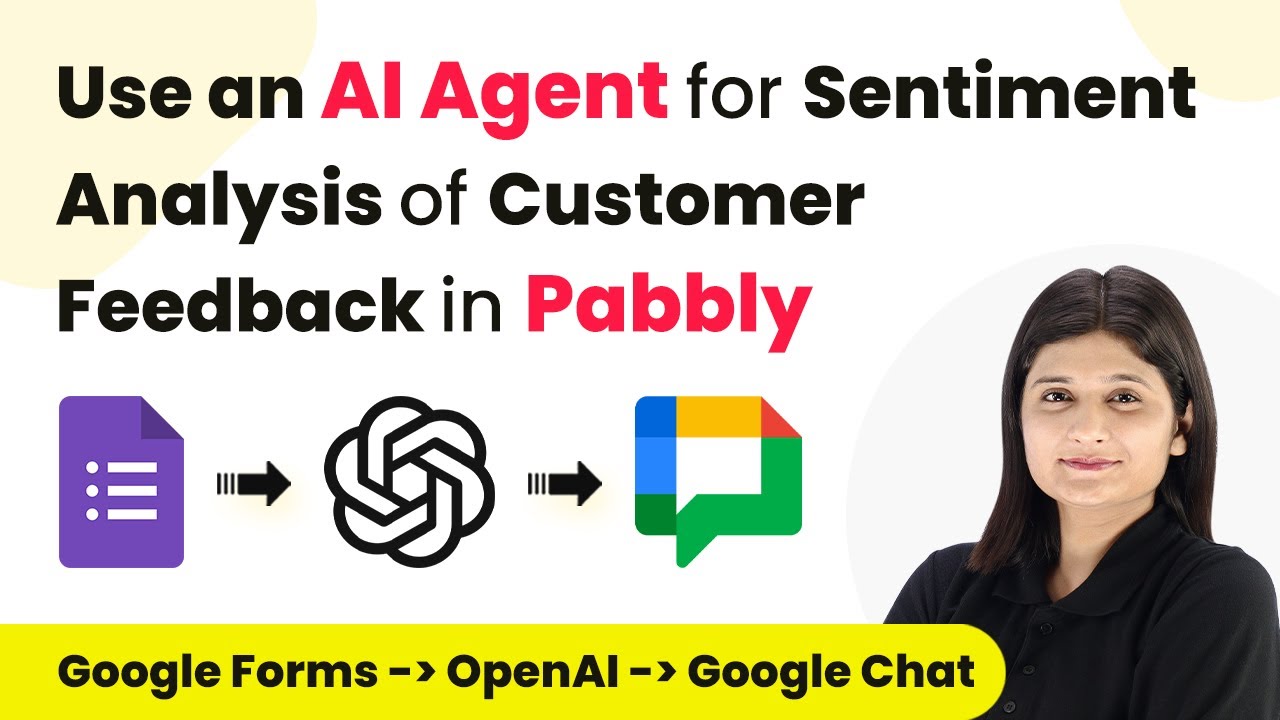
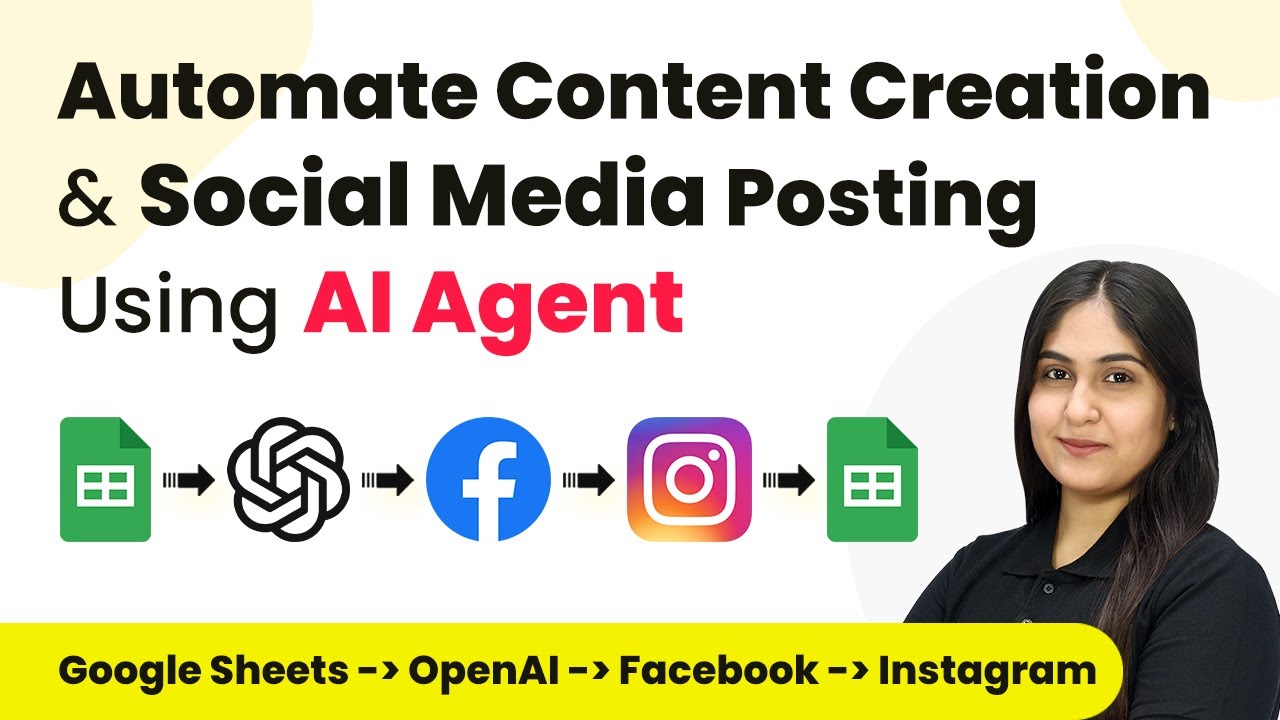
Learn how to utilize Pabbly Connect for sentiment analysis of customer feedback using an AI agent. Follow our detailed tutorial for step-by-step guidance. Develop expertise in application integration and learn how to design streamlined automation workflows using proven, simplified approaches.Watch Step By Step Video Tutorial Below 1. Accessing Pabbly Connect for AutomationTo start using Pabbly Connect for sentiment analysis, first, access the platform by navigating to the Pabbly Connect website. Sign in to your account or create a new one if you don’t have an existing account. Once logged in, you will be directed to the dashboard where you can...