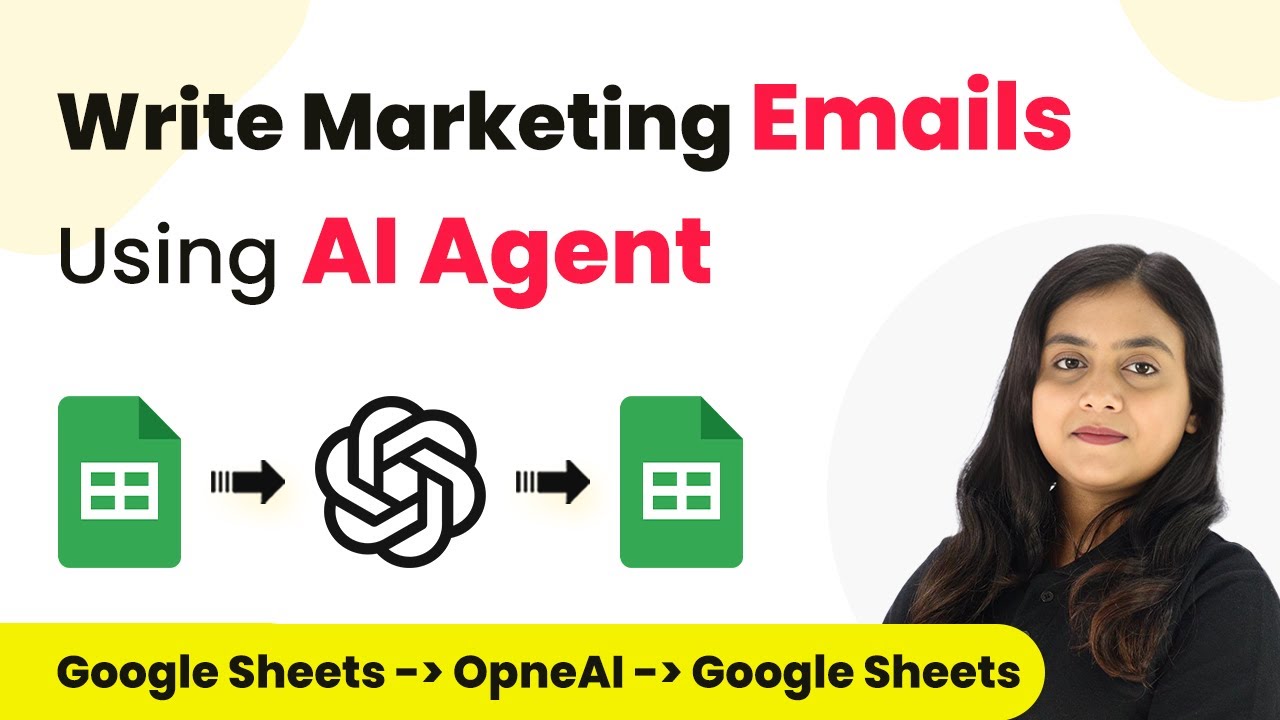
Learn how to write marketing emails using AI Agent and Pabbly Connect. Follow our step-by-step tutorial to automate your email marketing process effectively. Discover how to seamlessly connect your essential tools through accessible instructions that make powerful automation available to professionals at every skill level.Watch Step By Step Video Tutorial Below 1. Introduction to Pabbly Connect for Email AutomationTo efficiently write marketing emails, using Pabbly Connect is essential. This platform allows users to automate the email creation process, making it less time-consuming. By integrating various applications like Google Sheets and AI agents, you can streamline your marketing efforts.As an online...