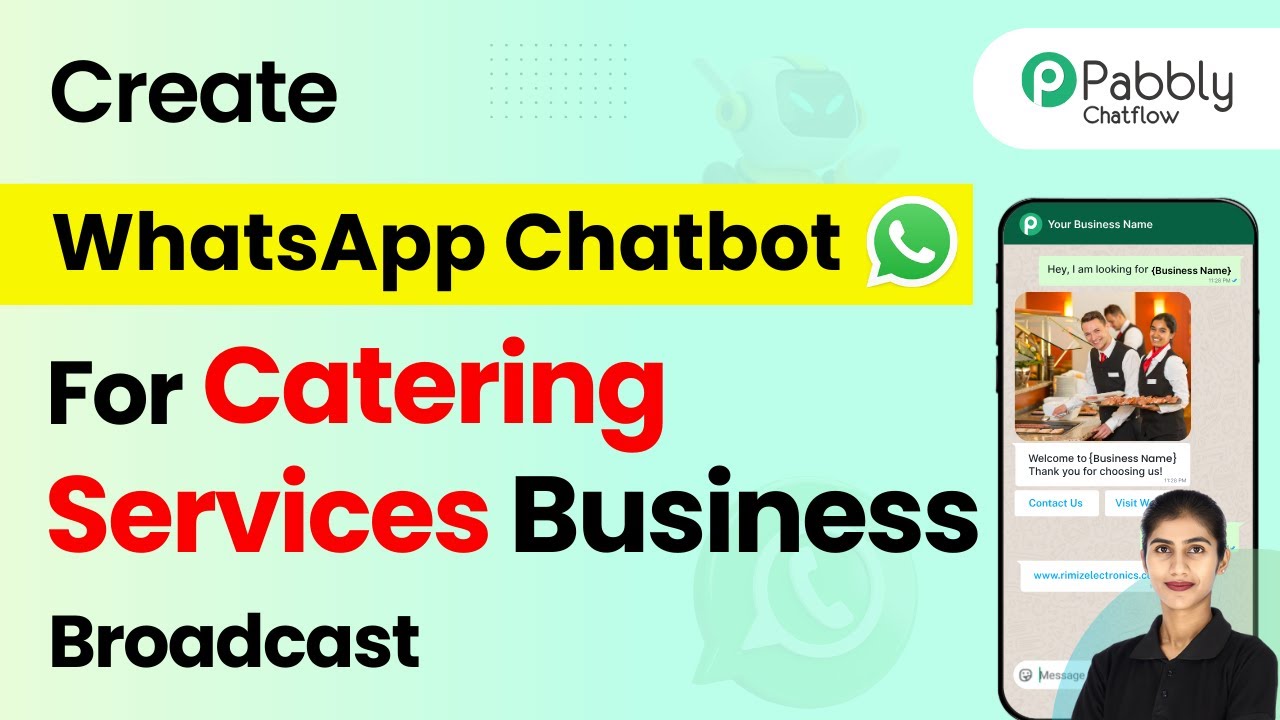
Learn how to efficiently broadcast WhatsApp messages for your catering services using Pabbly Chatflow in this detailed step-by-step tutorial. Build conversational workflows that guide visitors toward conversion with dynamic, branching dialogs that respond intelligently to user input.Watch Step By Step Video Tutorial Below 1. Create a Message Template in Pabbly ChatflowTo broadcast WhatsApp messages for your catering services, the first step is to create a message template using Pabbly Chatflow. This template will serve as the foundation for your broadcast messages. Start by logging into your Pabbly Chatflow account and accessing the dashboard.Once on the dashboard, navigate to the 'Templates'...