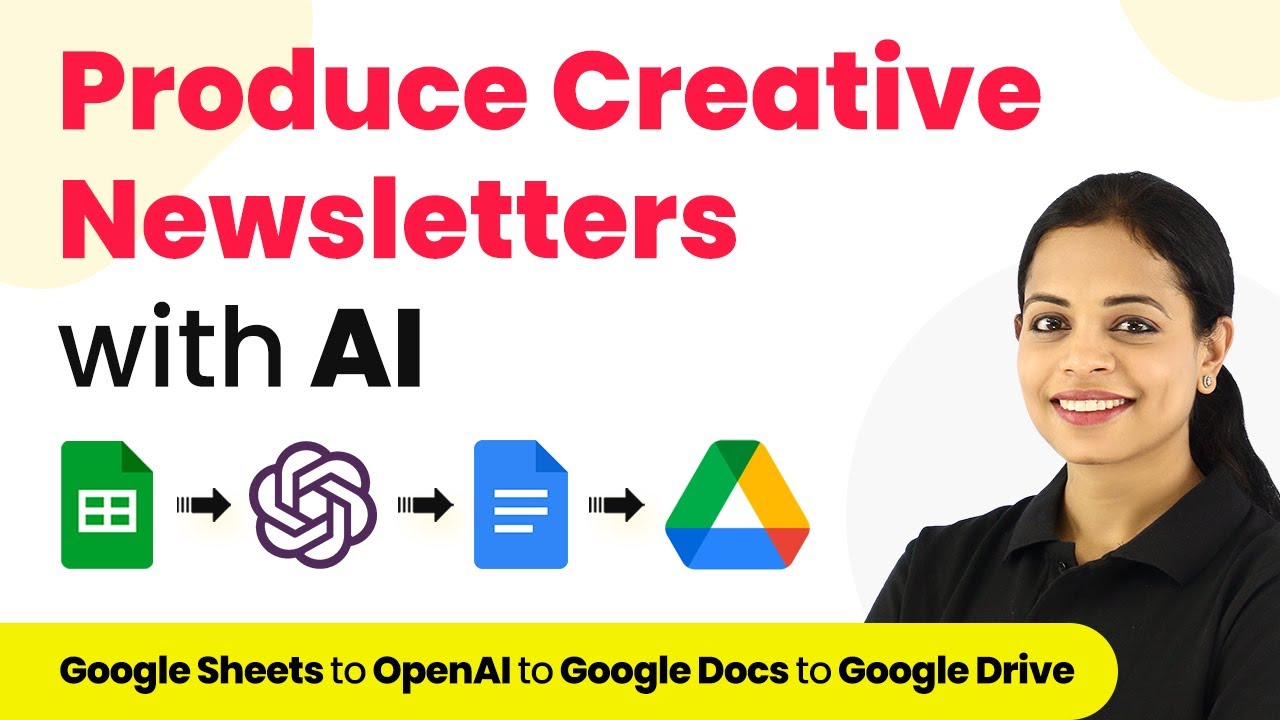
Learn how to automatically export YouTube comments from a specific video to Google Sheets using Pabbly Connect. Step-by-step tutorial included. Transform complex automation concepts into accessible, actionable steps that eliminate unnecessary manual work while maximizing existing application capabilities.Watch Step By Step Video Tutorial Below 1. Setting Up Pabbly Connect for YouTube Comments ExportTo start exporting YouTube comments to Google Sheets automatically, you need to use Pabbly Connect. First, visit the Pabbly Connect website and create a free account. If you already have an account, simply sign in to access your dashboard.Once logged in, click on the 'Create Workflow' button to...