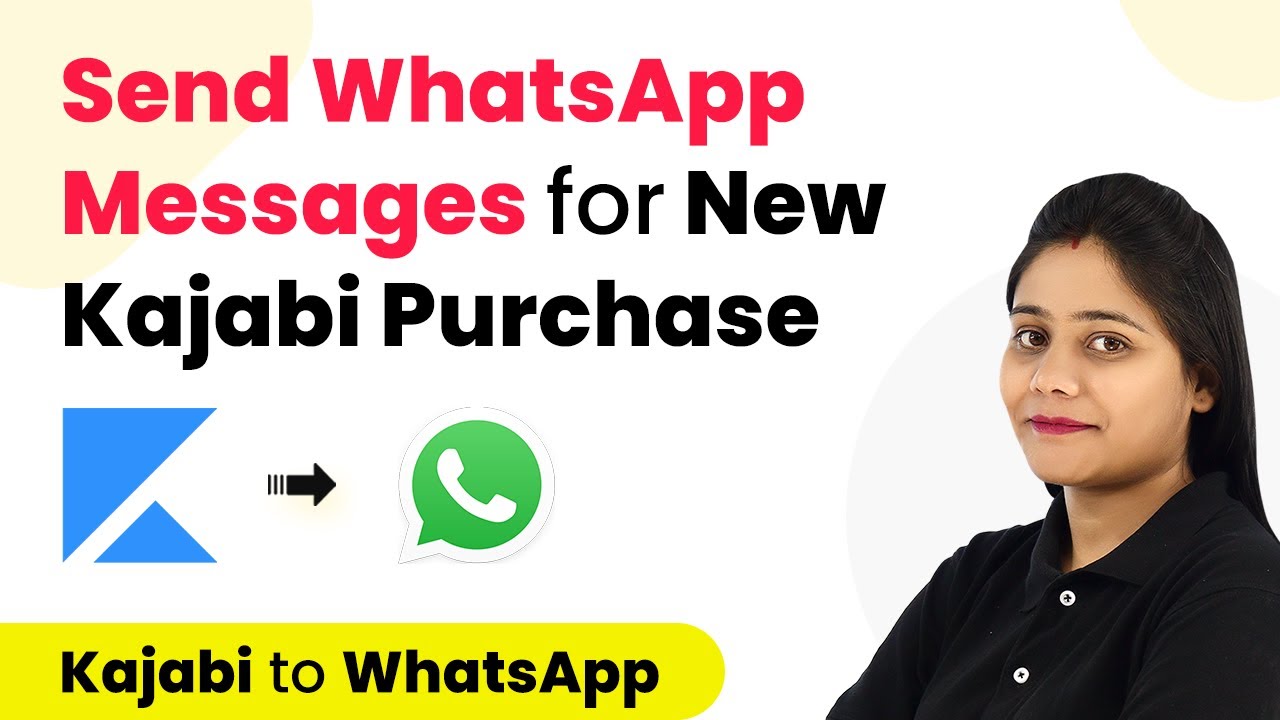
Learn how to automate WhatsApp messages for successful course enrollments in Kajabi using Pabbly Connect. Step-by-step guide with detailed instructions. Navigate the automation landscape confidently with clear, structured guidance suitable for professionals regardless of prior technical experience.Watch Step By Step Video Tutorial Below 1. Accessing Pabbly Connect for WhatsApp IntegrationTo send WhatsApp messages on successful course enrollment in Kajabi, you need to access Pabbly Connect, the integration platform that facilitates this automation. Start by navigating to the Pabbly Connect website and signing in. If you are a new user, you can create a free account to explore automation features.After signing...