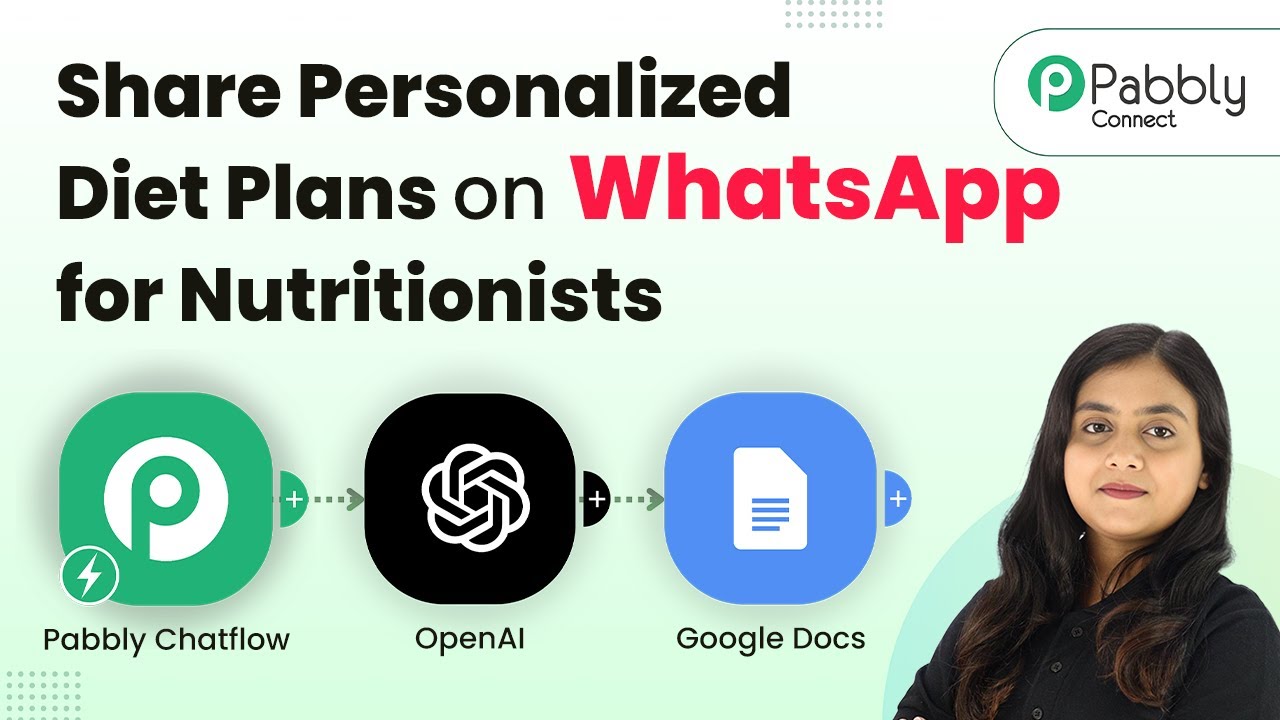
Learn how to share personalized diet plans on WhatsApp for nutritionists using Pabbly Chatflow and Pabbly Chatflow. Step-by-step tutorial included! Implement professional chat automation that answers common questions, qualifies leads, and books appointments without human intervention.Watch Step By Step Video Tutorial Below 1. Accessing Pabbly Chatflow to Create Your BotTo begin sharing personalized diet plans on WhatsApp, first, access Pabbly Chatflow. This platform enables seamless integration with various applications and allows you to create your own WhatsApp bot.Navigate to the Pabbly Chatflow website and log in or sign up for a free account. Once logged in, you'll see the dashboard...