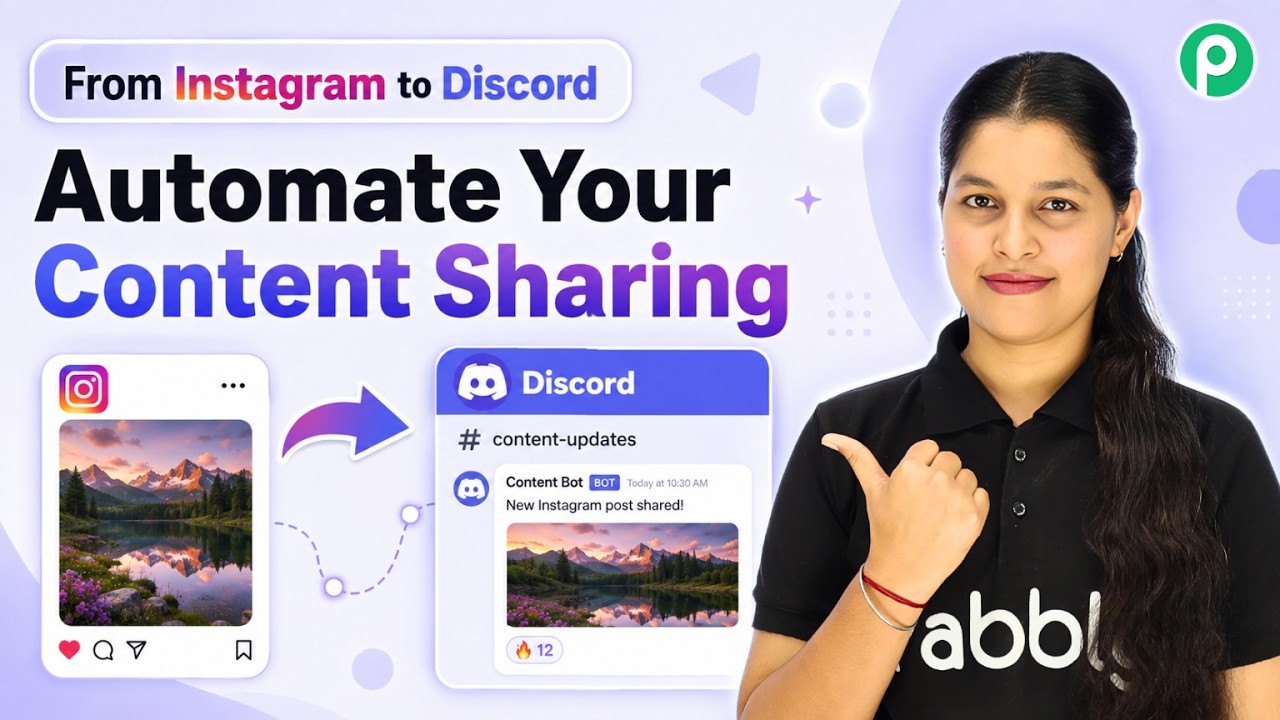
Watch Step By Step Video Tutorial Below 1. Access Pabbly Connect to Start Automation To integrate Instagram and Discord, first access Pabbly Connect by visiting pabbly.com/connect. This platform allows you to automate tasks seamlessly between different applications. Once on the Pabbly Connect website, you will see options to sign in or sign up. If you are new, create a free account to start your automation journey. Existing users can log in directly. 2. Setting Up Instagram Trigger in Pabbly Connect After logging into Pabbly Connect, the workflow page will prompt you to select your trigger application. Here, choose "Instagram for...