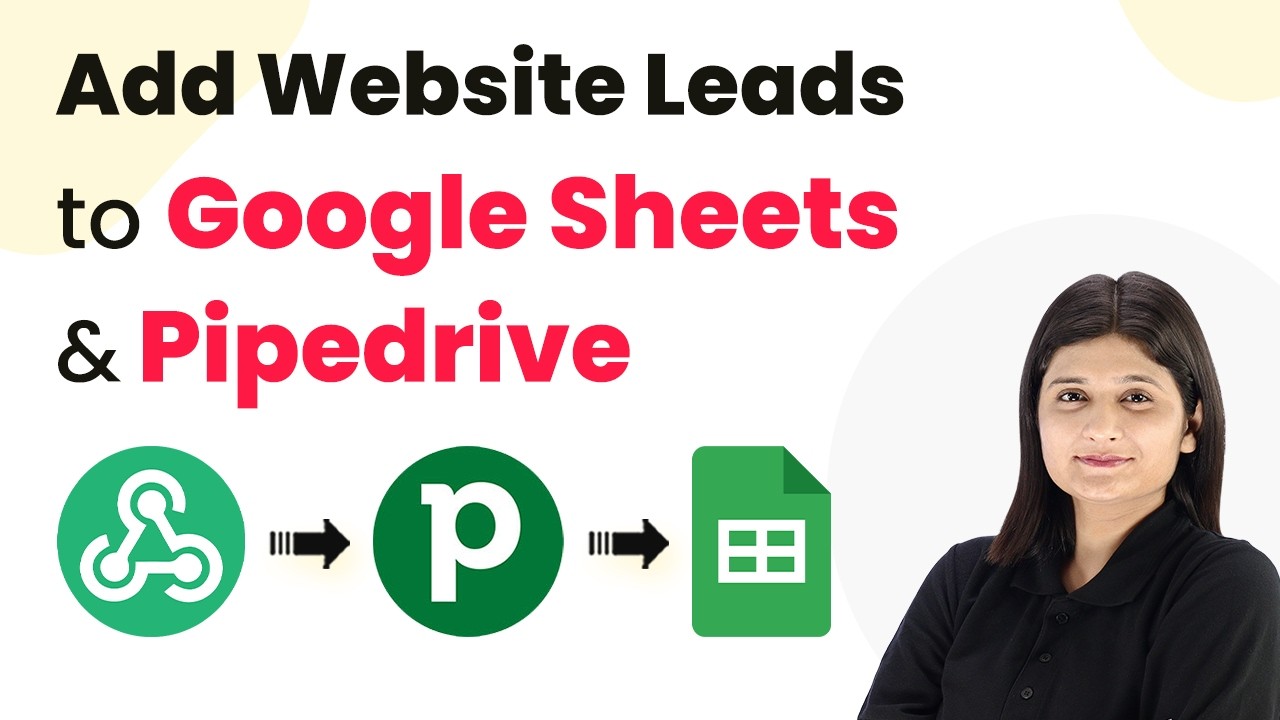
Learn how to automatically add website leads to Google Sheets and Pipedrive using Pabbly Connect with this detailed step-by-step tutorial. Explore systematic approaches to creating efficient automation solutions that convert technical concepts into practical, implementable instructions.Watch Step By Step Video Tutorial Below 1. Accessing Pabbly Connect for IntegrationTo start with integrating your website leads into Google Sheets and Pipedrive, you need to access Pabbly Connect. Simply navigate to the Pabbly website by typing Pabbly.com in your browser. Once there, sign in to your account using the 'Sign In' option located at the top right corner.If you are a new user,...