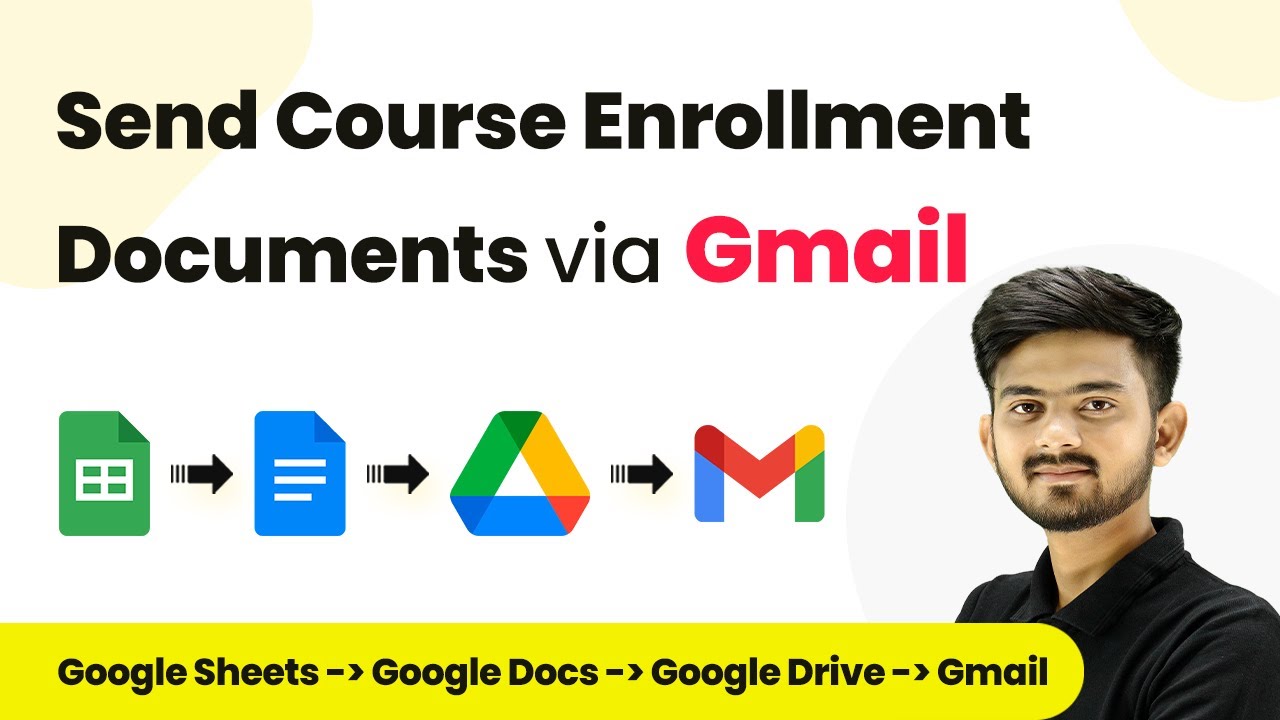
Learn how to automate sending course enrollment documents via Gmail using Pabbly Connect with Google Sheets, Google Docs, and Google Drive. Build sophisticated automated workflows in less time than you think. This guide translates complex integrations into straightforward steps for immediate implementation.Watch Step By Step Video Tutorial Below 1. Accessing Pabbly Connect for AutomationTo start automating the process of sending course enrollment documents, you need to access Pabbly Connect. Open your browser and navigate to the Pabbly Connect website. If you don't have an account, click on the 'Sign Up for Free' button to create one, which takes only two...