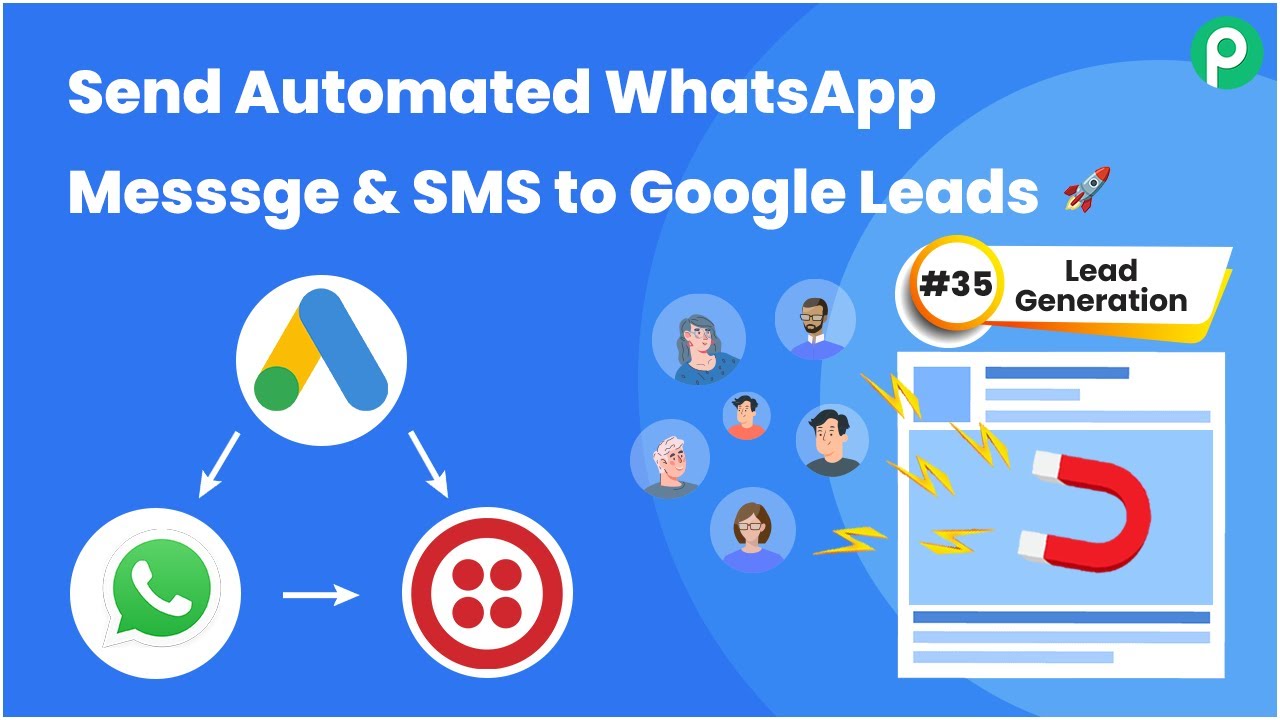
Learn how to automate WhatsApp messages and SMS for Google Ads leads using Pabbly Connect. Follow this step-by-step guide for seamless integration. Eliminate manual repetitive tasks from your workflow. Discover proven automation methods with intuitive steps designed for efficiency-minded professionals.Watch Step By Step Video Tutorial Below 1. Setting Up Pabbly Connect for IntegrationTo send automated WhatsApp messages and SMS for Google Ads leads, the first step is to set up Pabbly Connect. Log in to your Pabbly Connect account or sign up for free to access 100 tasks monthly. This platform will facilitate the integration between Google Ads and messaging...