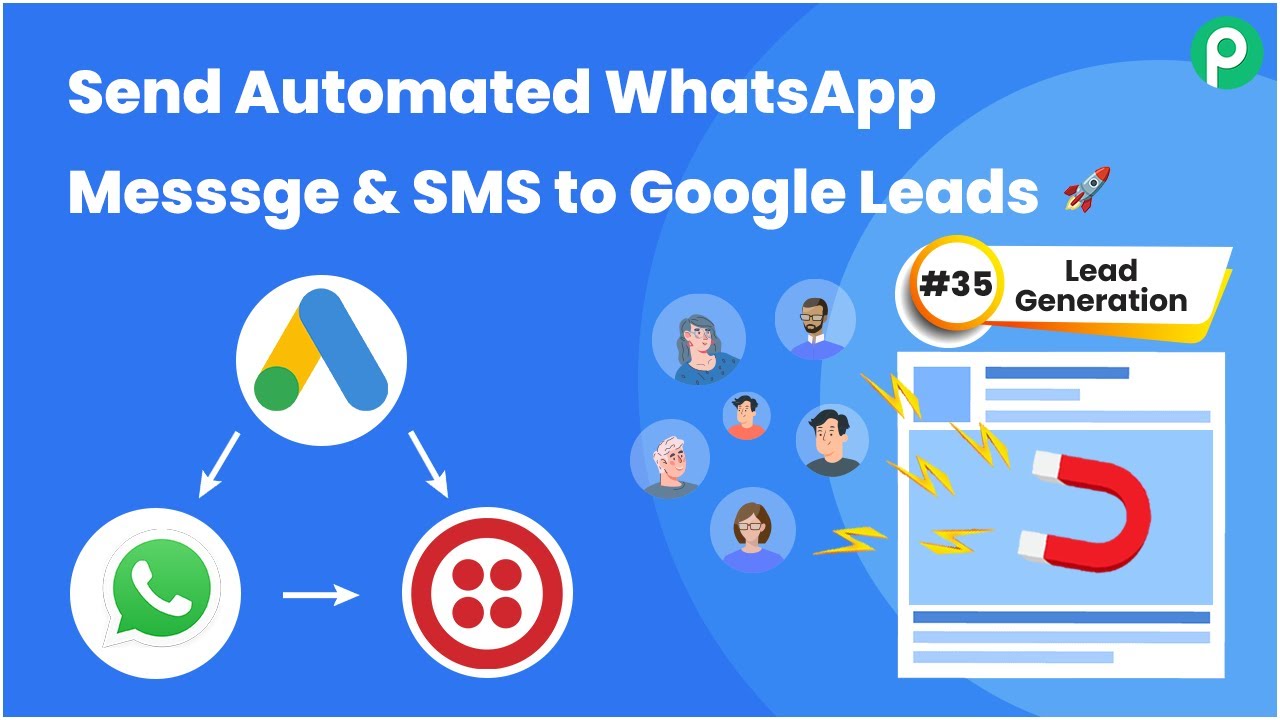
Learn how to automate WhatsApp messages to your Facebook leads using Pabbly Connect. Follow this detailed tutorial for seamless integration. Explore efficient methods for automating routine tasks with clear, concise instructions suited for both newcomers and experienced professionals.Watch Step By Step Video Tutorial Below 1. Accessing Pabbly Connect for IntegrationTo send automated WhatsApp messages to your Facebook leads, the first step is to access Pabbly Connect. Start by navigating to the Pabbly website and signing in or creating a new account if you don’t have one.Once logged in, click on the Pabbly Connect option. Here, you can create a new...