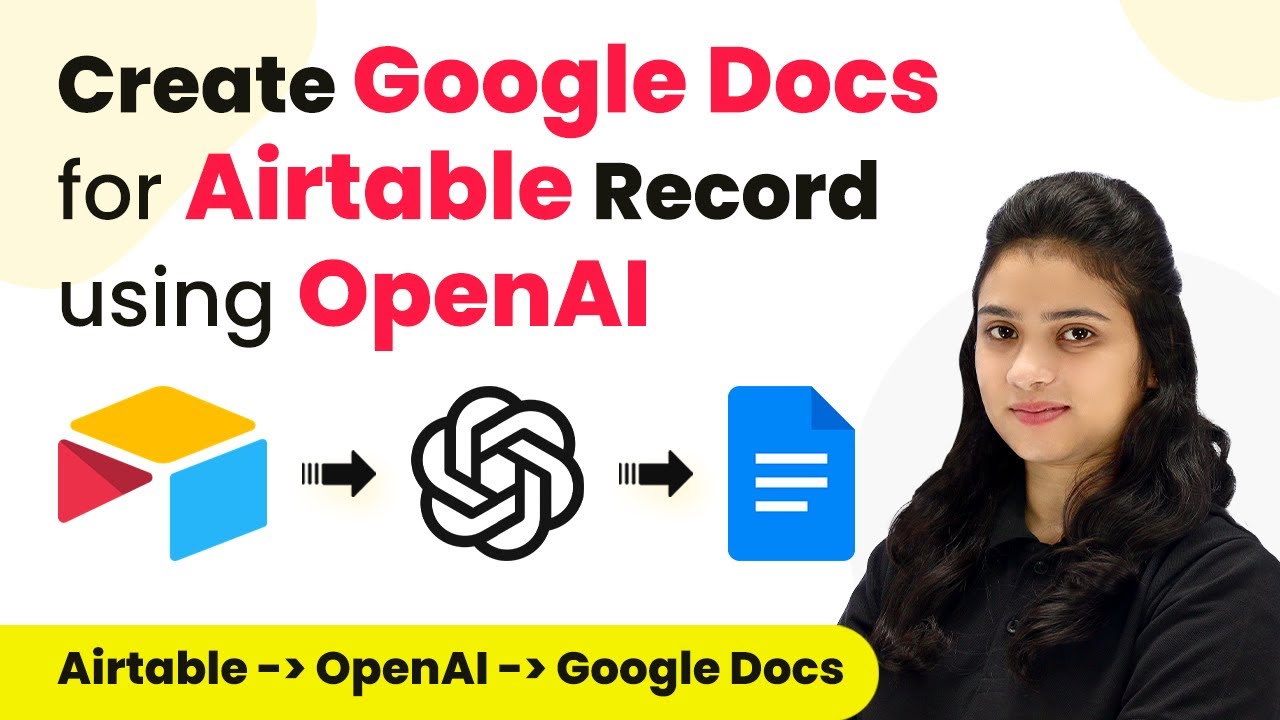
Learn how to automate Google Docs creation from Airtable records using OpenAI and Pabbly Connect. Follow this step-by-step tutorial for seamless integration. Master proven automation processes with practical implementation examples and strategic recommendations you can apply immediately in your workflow.Watch Step By Step Video Tutorial Below 1. Accessing Pabbly Connect for AutomationTo create Google Docs for Airtable records using OpenAI, first, access Pabbly Connect. You can do this by typing the URL Pabbly.com/connect in your browser. Once on the homepage, you will see options to either sign in or sign up for free.If you are a new user, click on...