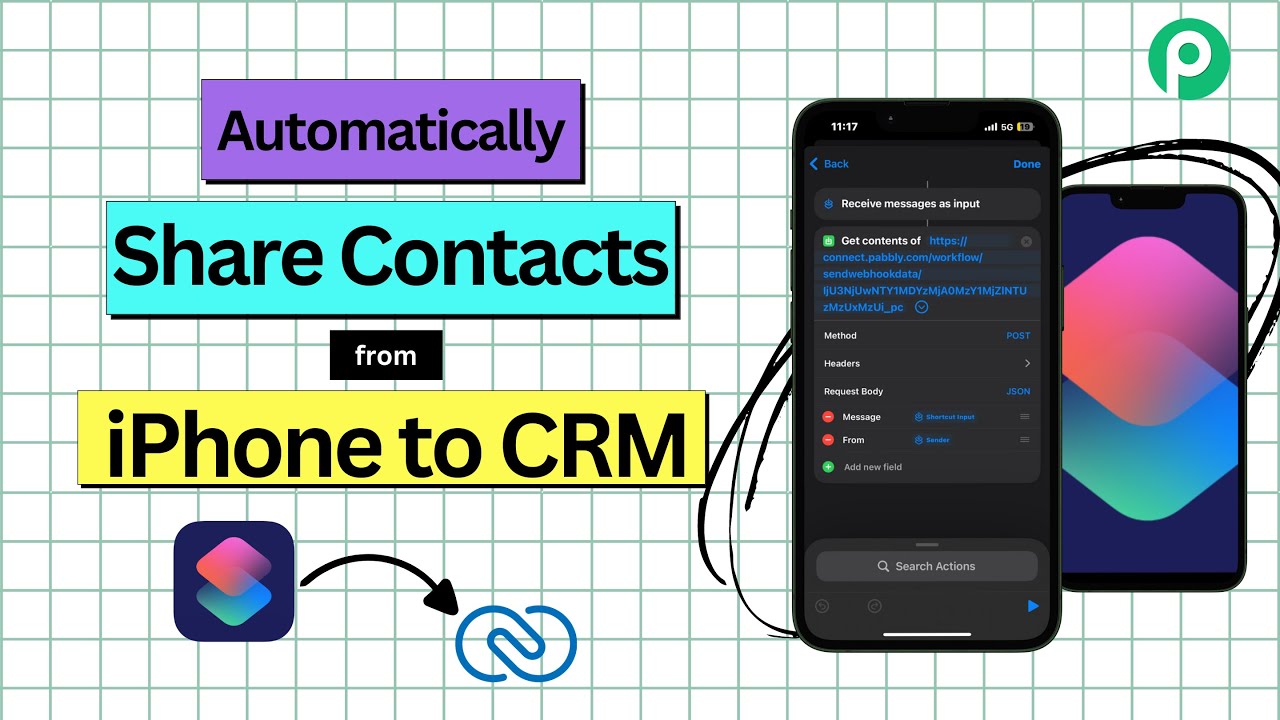
Learn how to seamlessly integrate Zoho CRM with Airtable using Pabbly Connect. This step-by-step tutorial guides you through the entire process. Learn to create powerful connections between your critical applications without requiring specialized programming knowledge or extensive technical background.Watch Step By Step Video Tutorial Below 1. Accessing Pabbly Connect for IntegrationTo add Zoho CRM records in Airtable, you first need to access Pabbly Connect. Start by visiting the Pabbly Connect website, where you can log in or sign up for a free account.Once logged in, you will see the dashboard. Here, select Pabbly Connect by clicking on the 'Access Now'...